
“How much does a WordPress website cost?” is usually the first question I am asked, and the honest answer is: it depends on what the site needs to do. WordPress itself is free, but the design, build, content, hosting and ongoing care are not, and each one can be simple or complex.
Rather than quoting numbers that would be wrong for most projects, this guide explains the factors that shape a WordPress budget, the costs people forget, and how to collect quotes you can actually compare.
How much does a WordPress website cost? Why there's no single price
Asking how much a website costs is a bit like asking how much a building costs. A one-page site for a local tradesperson and a shop with thousands of products are both “WordPress websites”, but they involve very different amounts of work.
The main things that move the budget are:
- how many unique page designs you need
- which features and integrations the site must support
- who provides the content, images and copy
- whether you start from a theme or a custom design
- what ongoing support you want after launch
One-off costs: design, build, content
One-off costs cover getting the site live. They typically include discovery and planning, design, development, content creation, migrating any existing content, testing and launch.
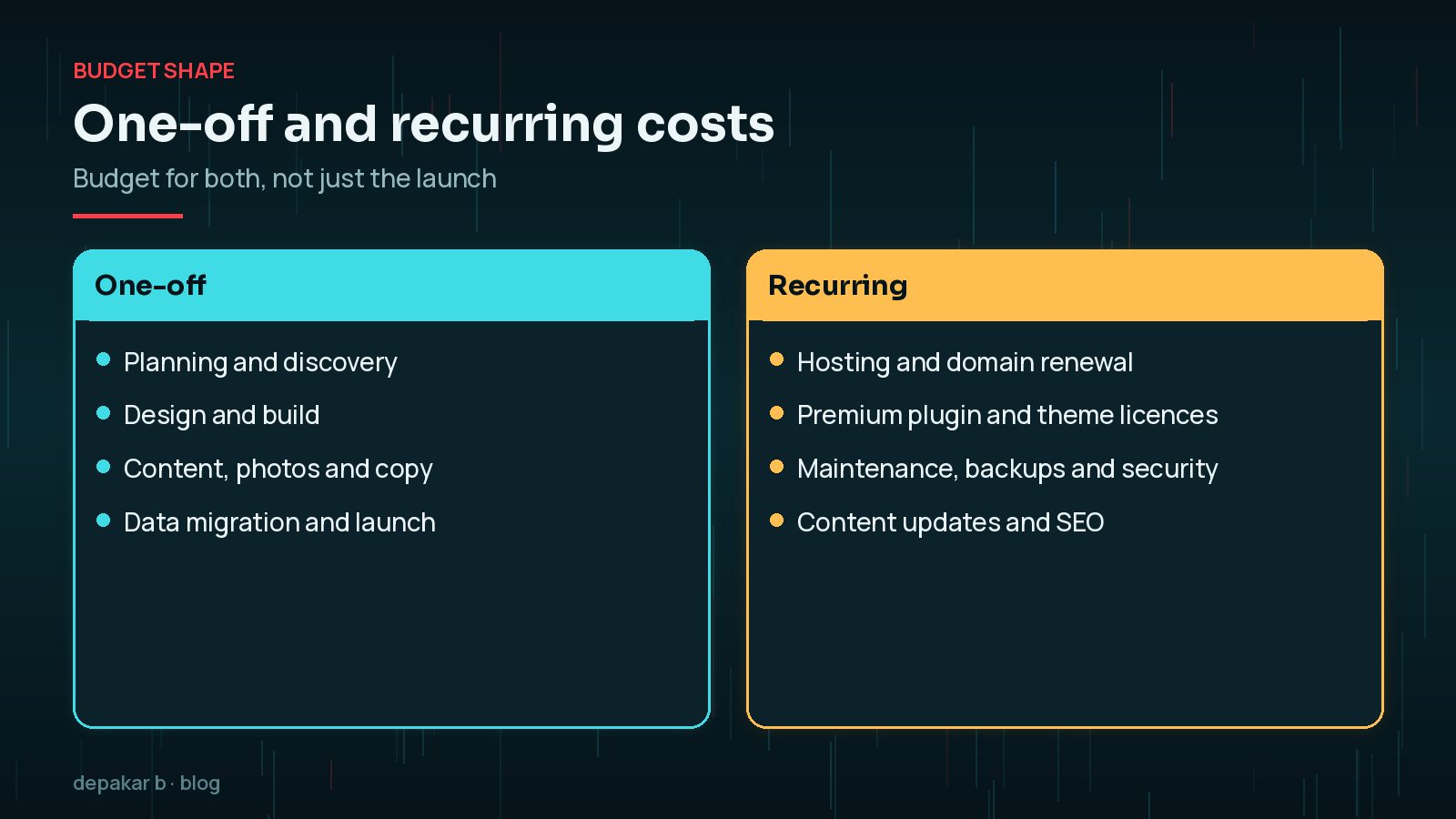
Content is the line people underestimate most. Writing clear service pages, gathering good photos and preparing product data takes real time, whether you do it or pay someone else. A clear brief helps every supplier price this accurately; my WordPress website brief template gives you a starting point.
Recurring costs: hosting, domain, premium plugins, maintenance
A website is not a one-off purchase. Expect regular costs for:
- Hosting: from basic shared plans to managed WordPress hosting. WordPress.org recommends hosts support PHP 8.3 or newer, MySQL 8.0 or MariaDB 10.11 or newer, and HTTPS (as of October 2026).
- Domain name: renewed every year or every few years.
- Premium plugins and themes: many are sold as annual licences that include updates and support.
- Maintenance: updates, backups, security monitoring and fixes.
- Email and other services: business email, transactional email, form or booking services.
When comparing hosting, look beyond the headline plan. Check what is included: backups, staging sites, email, a content delivery network and support for WordPress specifically. A cheaper plan that leaves these out can end up costing more once you add them separately. WordPress.org keeps a short list of recommended hosts if you want somewhere to start.
Maintenance is often treated as optional, but an unmaintained site gets slower and less secure over time. My guide to WordPress maintenance cost factors covers this in more detail.
How features and integrations change scope
Features are where budgets grow fastest, because each one needs design, development, testing and ongoing updates.
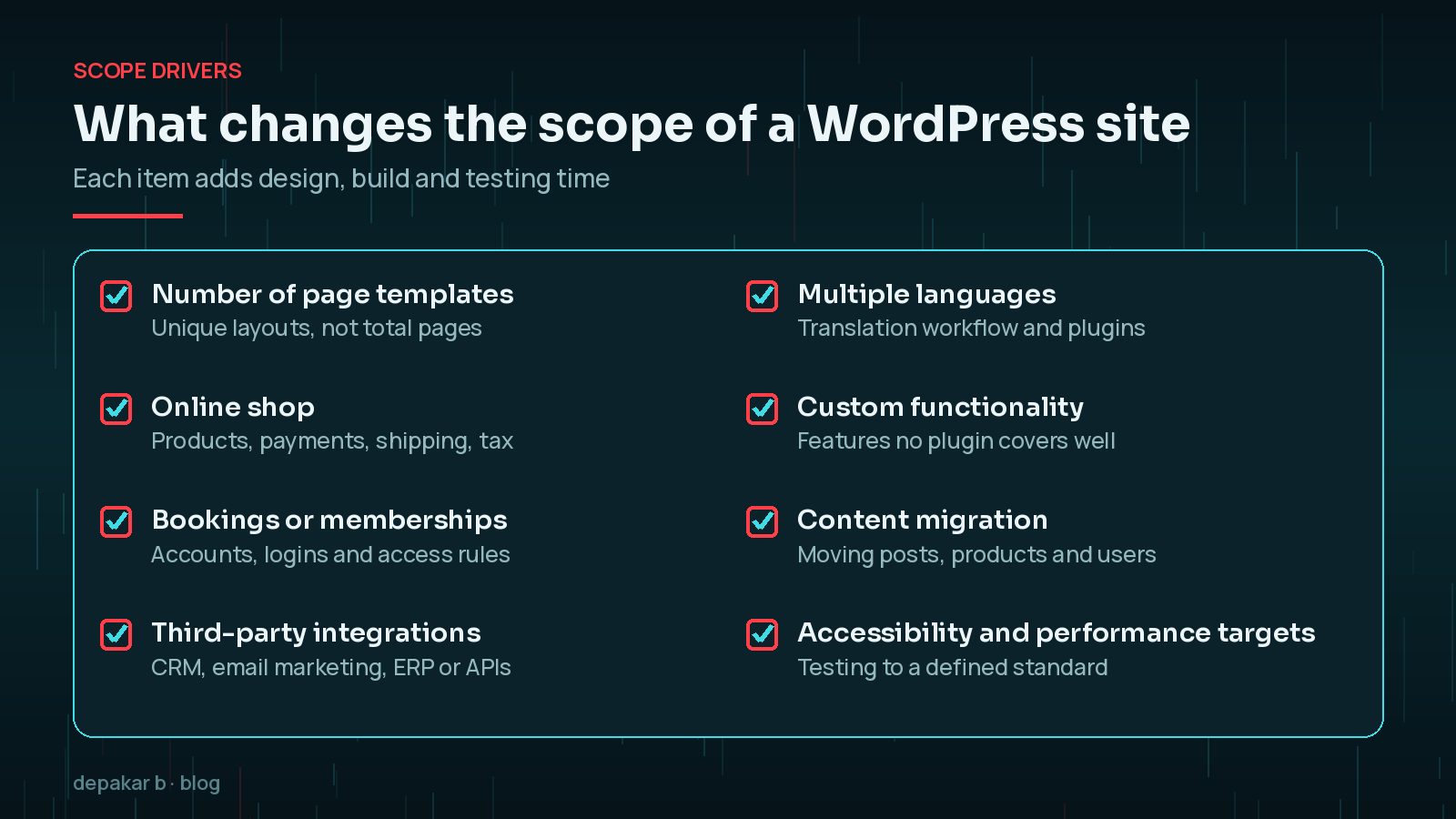
An online shop, for example, brings payments, shipping rules, tax settings, order emails and customer accounts. Integrations with a CRM or stock system often need custom work and careful testing. Multiple languages add a translation workflow. None of these are bad choices; they simply need to be priced in.
Theme vs custom build
A ready-made theme gives you a design starting point and usually costs less up front. A custom design is built around your brand and content, and usually costs more.
- Theme-based: faster to launch, but you work within the theme's layouts and may carry features you never use.
- Custom build: more planning and design time, with a site built only for what you need, which can be lighter and easier to maintain.
- Middle ground: a well - built block theme customised to your brand often balances cost and flexibility.
Ask how each option will be maintained. A theme bundled with many built-in features can make future redesigns harder, because content ends up tied to that theme's shortcodes or page builder. A custom build depends on clean code and documentation, so a different developer can pick it up later. Both affect what you spend over the life of the site, not just at launch.
Whichever route you choose, the quality of the developer matters more than the label. My checklist for hiring a WordPress developer lists what to ask.
Hidden costs people forget
The quote for the build is rarely the full picture.

- Licence renewals: premium plugins and themes that need annual renewal to keep receiving updates.
- Stock photography and fonts: licences for images or commercial fonts.
- Your own time: writing content, reviewing designs and giving feedback.
- Legal pages and compliance: privacy policy, cookie consent and accessibility work.
- Changes after launch: new pages, campaigns or features requested later.
- Hosting upgrades: moving to a bigger plan as traffic or the shop grows.
Time is a cost too. A larger project takes longer, and delays in content often push launch dates back; see how long it takes to build a WordPress website.
How to get comparable quotes
Quotes only make sense side by side when suppliers are pricing the same thing.
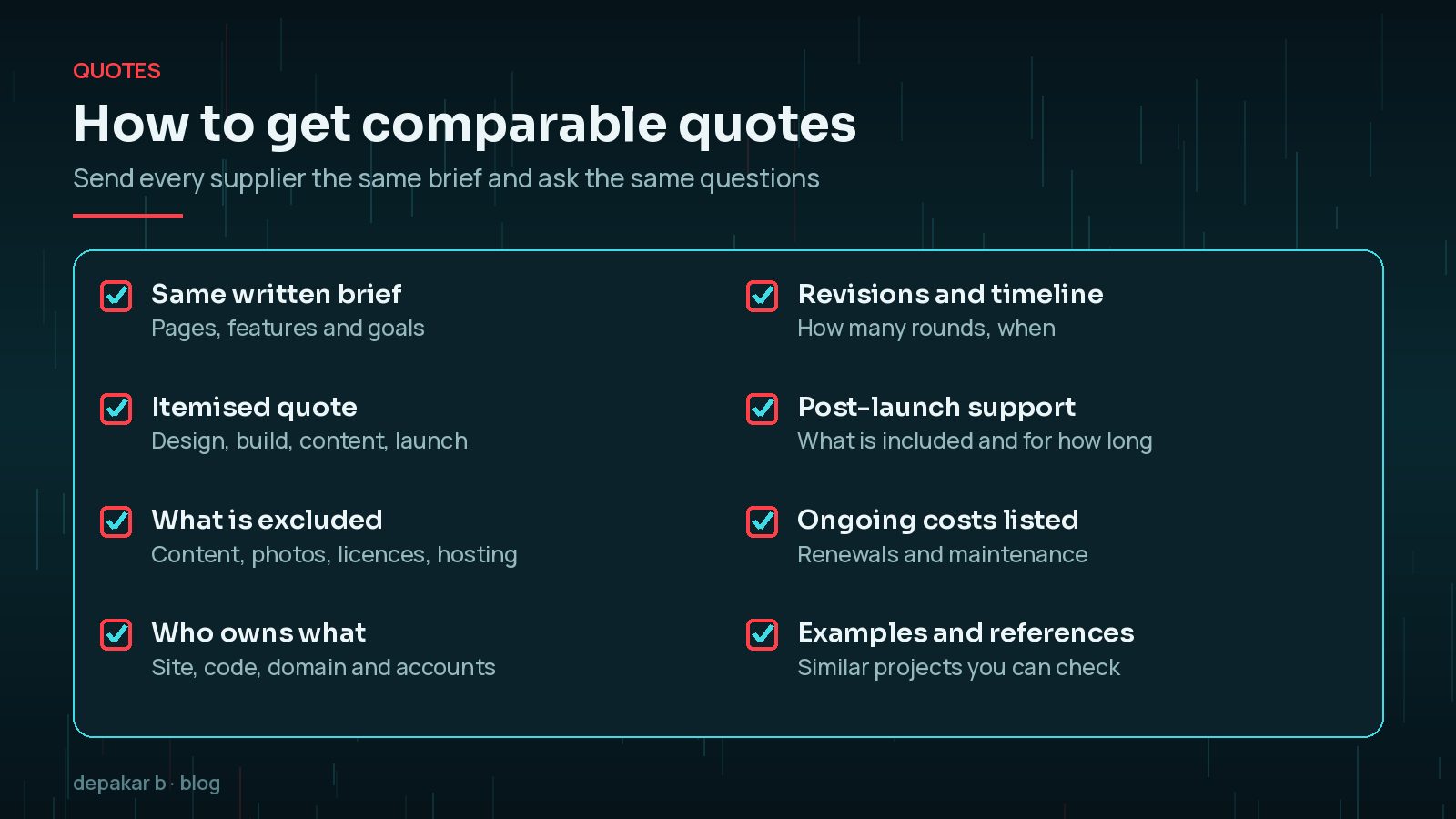
- Send every supplier the same written brief.
- Ask for an itemised quote rather than a single figure.
- Check exactly what is excluded, such as content, licences or hosting.
- Confirm who owns the site, the code, the domain and the accounts.
- Ask what support is included after launch, and what ongoing costs to expect.

It also helps to talk through each quote on a short call. How a supplier explains their process, risks and timeline tells you a lot about how the project will run, and gives you a chance to clear up anything vague before you sign.
If one quote is much lower than the others, look for what is missing rather than assuming you have found a bargain.
Frequently Asked Questions
Is WordPress free?
The WordPress software is free and open source. You still pay for hosting, a domain, any premium themes or plugins, and the time to design, build and maintain the site.
Why do WordPress quotes vary so much?
Suppliers often price different things: some include content, licences, hosting and post-launch support, while others do not. Ask for itemised quotes based on the same written brief.
Is a theme cheaper than a custom design?
A theme usually costs less up front because the design starting point already exists. A custom design takes longer to plan and build but fits your content and brand more closely.
What ongoing costs should I budget for?
Plan for hosting, domain renewal, premium plugin and theme licences, maintenance and backups, and any services such as business email or booking tools.
How can I keep the cost of a WordPress site down?
Prepare your content early, prioritise the features that matter most for launch, avoid unnecessary premium plugins and agree a clear written brief before work starts.
Final Thoughts
So, how much does a WordPress website cost? It depends on the number of unique designs, the features and integrations, the content, and the ongoing care you want. Plan for both the build and the years after it, write a clear brief, and compare itemised quotes like for like. If you would like a clear, itemised estimate for your project, my WordPress development service is a good place to start.
Official References
Sources checked on 29 October 2026: