
When you hire a WordPress developer, you are not just buying a website. You are choosing who will hold the keys to your domain, hosting and code, and who you will call when something breaks at 9pm on a Friday. A good choice saves you years of hassle; a poor one can cost you a rebuild.
This guide helps you work out what kind of help you need, where to look, the 12 questions worth asking, and the red flags to watch for. I am a WordPress developer myself, so I have tried to keep it fair: these are the questions I would want a client to ask me.

Do You Need a WordPress Developer, Designer or Both?
The titles overlap, so start with the job, not the label.
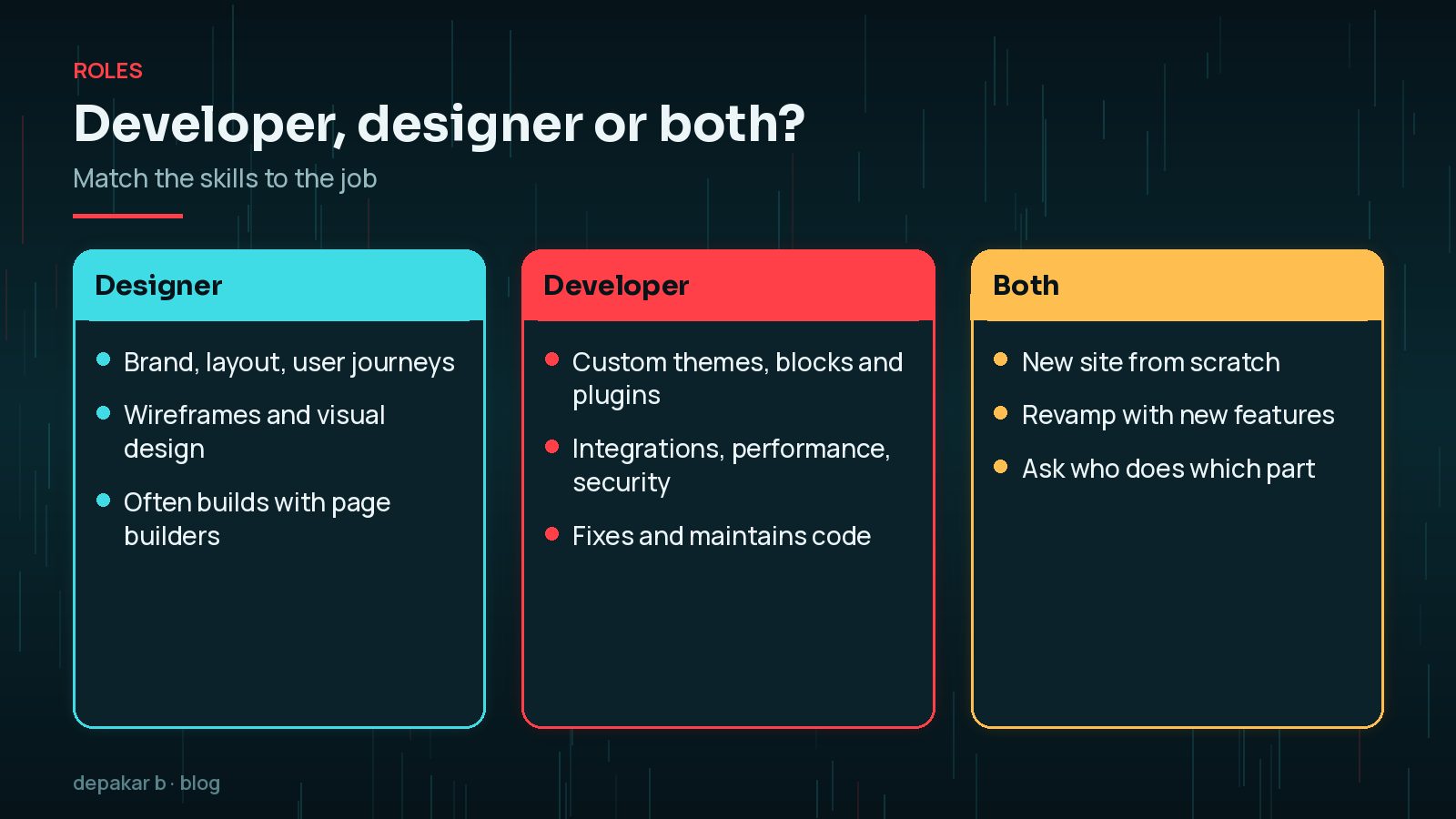
- A designer focuses on brand, layout and user journeys. Many build sites themselves with page builders or block themes.
- A developer builds and maintains the code: custom themes and blocks, plugins, integrations, performance, security and fixes.
- Both are usually needed for a new site or a full revamp with new features. Some people do both well; many work in pairs.
If your site already looks right but is slow, broken, hacked or missing a feature, you need a developer. If it works but looks dated and does not convert, start with design.
Where to Find Good WordPress Developers
- Referrals from businesses whose sites you like and whose owners are happy with the support.
- The official WordPress Jobs board at jobs.wordpress.net, where you can post a project and browse people open to work.
- Local WordPress meetups and WordCamps, where you can meet developers who are active in the community.
- Developer portfolios that show live sites, explain their role and describe the problems they solved.
- Freelance platforms, which work, but put more weight on interviews and test tasks.
Freelancer or agency? Both can be right. I compare them honestly in freelance WordPress developer vs agency.
12 Questions to Ask Before You Hire a WordPress Developer
Good answers are specific, calm and free of jargon. Vague answers are a signal to dig deeper.
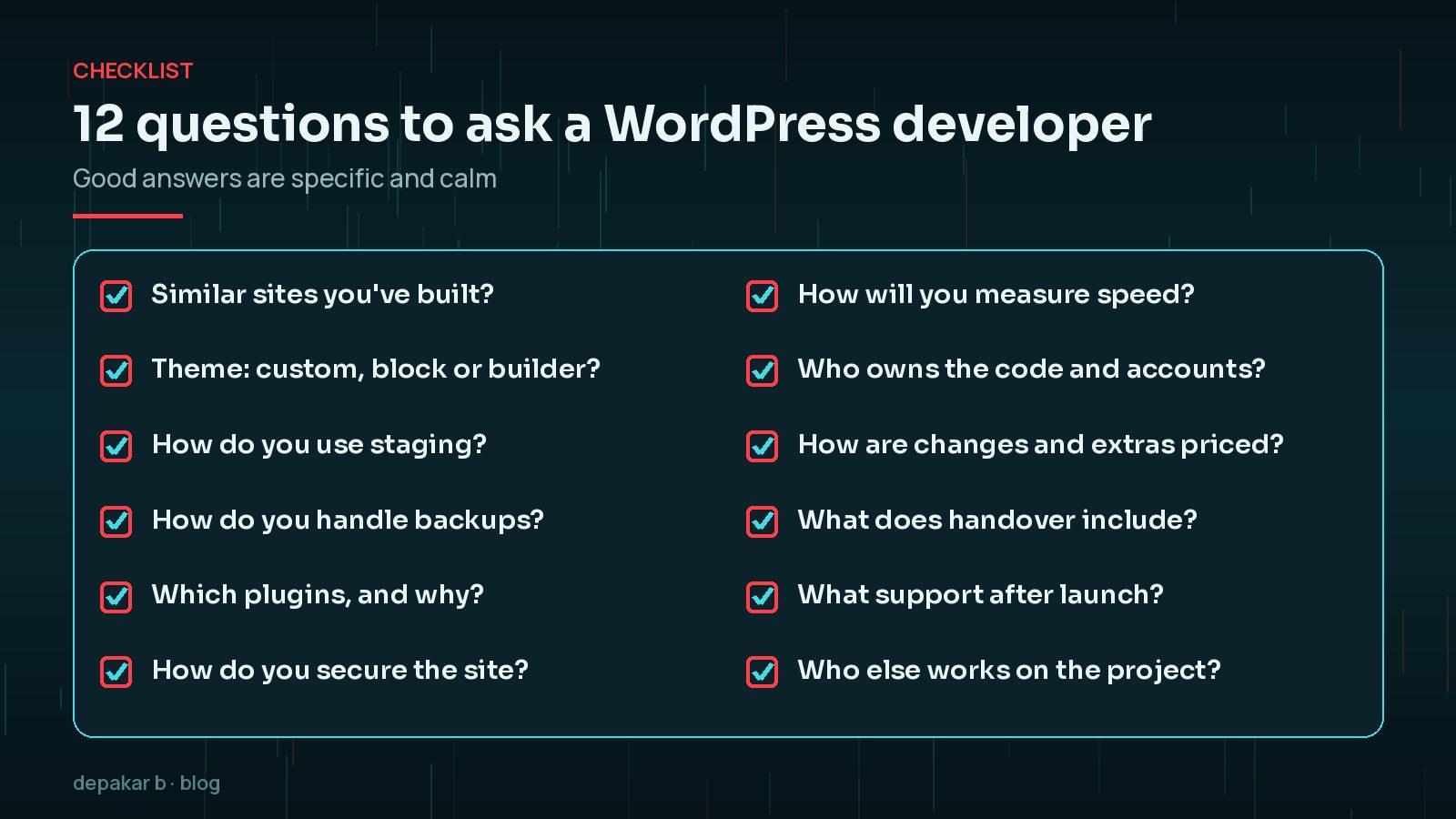
- Can you show me similar sites you've built, and what was your part? Ask for live links.
- Will you use a custom theme, a block theme or a page builder, and why? Each has trade-offs for speed, editing and future changes.
- Do you work on a staging site? Changes should be tested away from the live site.
- How do you handle backups during the build and after launch?
- Which plugins will you use, and why each one? Fewer, well-maintained plugins are a good sign.
- How do you secure a site? Listen for updates, strong logins, least-privilege user roles and backups, not just "we install a security plugin".
- How will you measure speed? A good answer mentions Core Web Vitals or real-user data, not only a single test score.
- Who will own the code, the domain, the hosting and the accounts? The answer should be "you".
- How are changes and extras priced? Ask how scope changes are agreed.
- What does handover include? Logins, documentation, training, and the source code for anything custom.
- What support do you offer after launch, and how fast do you respond to an emergency?
- Who else works on the project? Subcontractors are fine, as long as you know.
For technical projects, it is reasonable to ask whether they follow the WordPress Coding Standards. WordPress describes these as a baseline that makes code readable and easier for anyone to modify later, which matters if you ever change developer.
Red Flags in Proposals and Portfolios
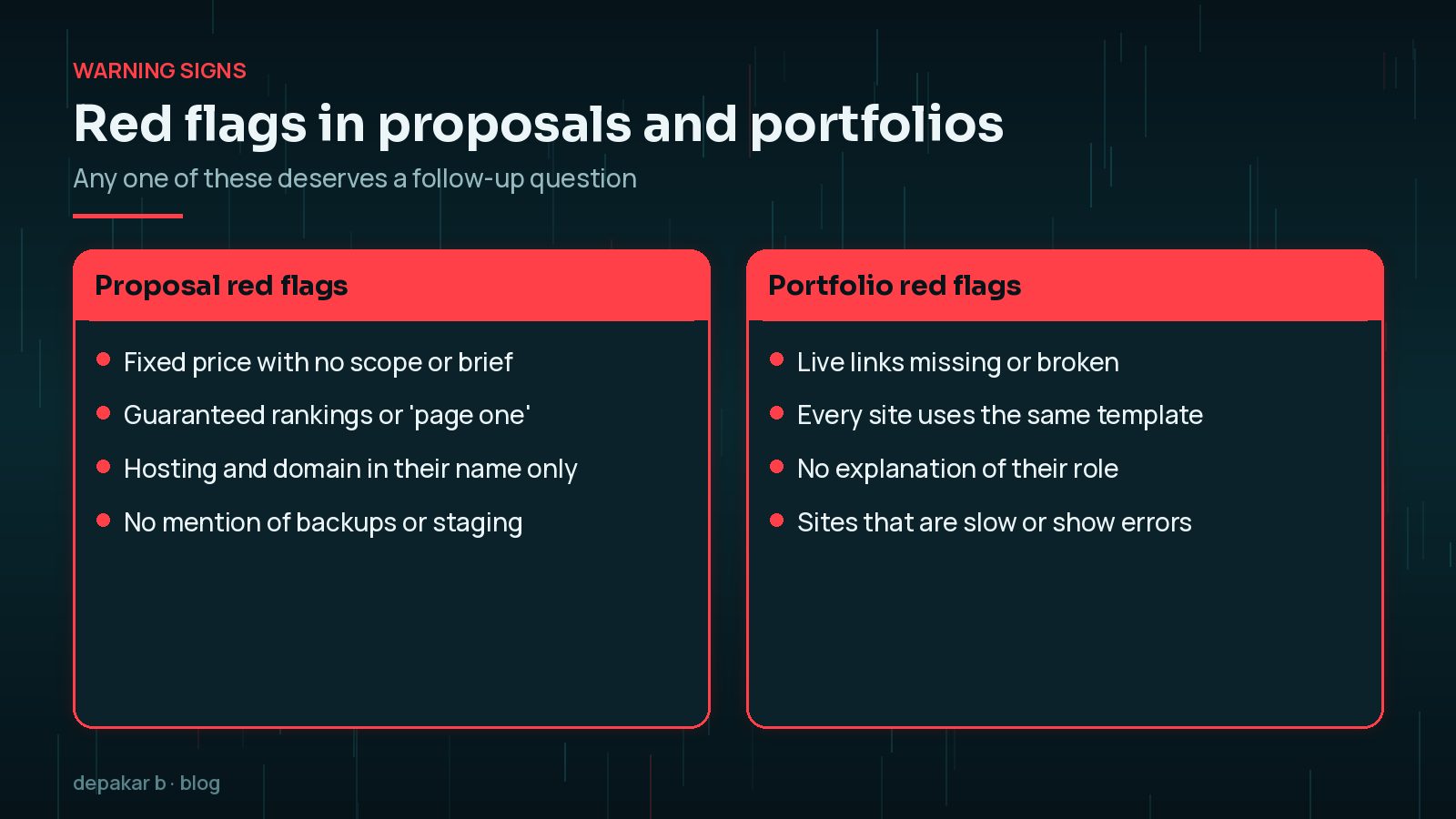
- Guaranteed rankings or "page one on Google". Nobody can promise that.
- A fixed price with no scope. If they have not asked many questions, the quote is a guess.
- Hosting and domain registered only in their name.
- No mention of backups, staging or updates.
- Portfolio links that are broken, slow or show errors.
- Every site looks identical, or they cannot explain what they built themselves.
- Pressure to decide quickly or pay everything up front.
- Nulled or "free premium" plugins in the plan. These carry security risks and no official updates.
Who Should Own the Hosting, Domain and Code?
You should. Even if your developer manages things day to day, the accounts should be in your business's name, with your developer added as a user.

- Domain: registered to your business, with your email as the owner contact.
- Hosting: billed to you, with your developer given their own login.
- Code: WordPress itself is licensed under the GPLv2 or later. For custom themes and plugins, agree in writing that you receive the full source code and the right to use and change it.
- Third-party licences: premium plugins and themes should be bought in your name so renewals and updates continue if you change developer.
How to Write a Brief They Can Quote On
The clearer your brief, the more accurate and comparable the quotes. Include:
- What the business does and who the site is for.
- The goal: more enquiries, online sales, bookings, fewer support calls.
- The pages and features you need, and which are "nice to have".
- Who will write and supply content, and when.
- Integrations: CRM, email marketing, payments, booking tools.
- Sites you like, and what you like about them.
- Your deadline and any fixed dates.
- Your budget range, which helps developers suggest the right approach.
I'll publish a fuller template soon in how to write a website brief for your developer. If you are wondering about timescales, see how long it takes to build a WordPress site.
Contracts, Handover and Support After Launch
A short, clear agreement protects both sides. Look for:
- Scope: what is included, and how extras are agreed.
- Milestones and payments tied to delivered work.
- Ownership of code, design files and content.
- Testing: devices, browsers, forms, speed and accessibility checks before launch.
- Handover: logins, documentation and a short training session for whoever edits the site.
- Support: a bug-fix period after launch, and the option of ongoing maintenance.
Frequently Asked Questions
What should I ask before hiring a WordPress developer?
Ask about similar projects and their exact role, their approach to themes and plugins, staging and backups, security, speed measurement, ownership of code and accounts, pricing for changes, handover and support after launch.
Should I hire a freelance WordPress developer or an agency?
It depends on the project. Freelancers often offer direct contact and flexibility; agencies can offer a wider team and more cover. The questions in this guide apply to both.
Who should own my WordPress hosting and domain?
Your business should. Register the domain and hosting in your name and add your developer as a user, so you keep control if you ever change developer.
How can I check a WordPress developer's portfolio?
Open the live sites, check they load quickly and work on mobile, and ask the developer what they personally built on each one. Ask to speak to a past client if possible.
Is a cheap WordPress developer a bad idea?
Not necessarily, but compare like for like. A lower quote may leave out testing, backups, security or support. Ask what is included, and what is not, before deciding on price.
Final Thoughts
To hire a WordPress developer well, be clear about the job, ask the 12 questions, watch for red flags and keep ownership of everything important. The right developer will welcome those questions, because they make the project smoother for both of you.
If you'd like to talk through a project, you can see how I work on my WordPress developer page, and bring these questions with you.
Ask specific questions, own your accounts, and agree the scope before work starts.
Official References
Sources checked on 29 October 2026: