
If you're starting an online shop or adding one to your business site, WordPress vs Shopify is usually the first big decision. Both are capable platforms used by small and large businesses alike. They differ mainly in who runs the technology, how costs add up, and how much control you have over your site and data.
As a WordPress developer I have an obvious interest here, so I'll be upfront about that and aim to be fair. Shopify is the better fit for some businesses, and this guide will help you tell whether yours is one of them.
How WordPress + WooCommerce and Shopify Differ
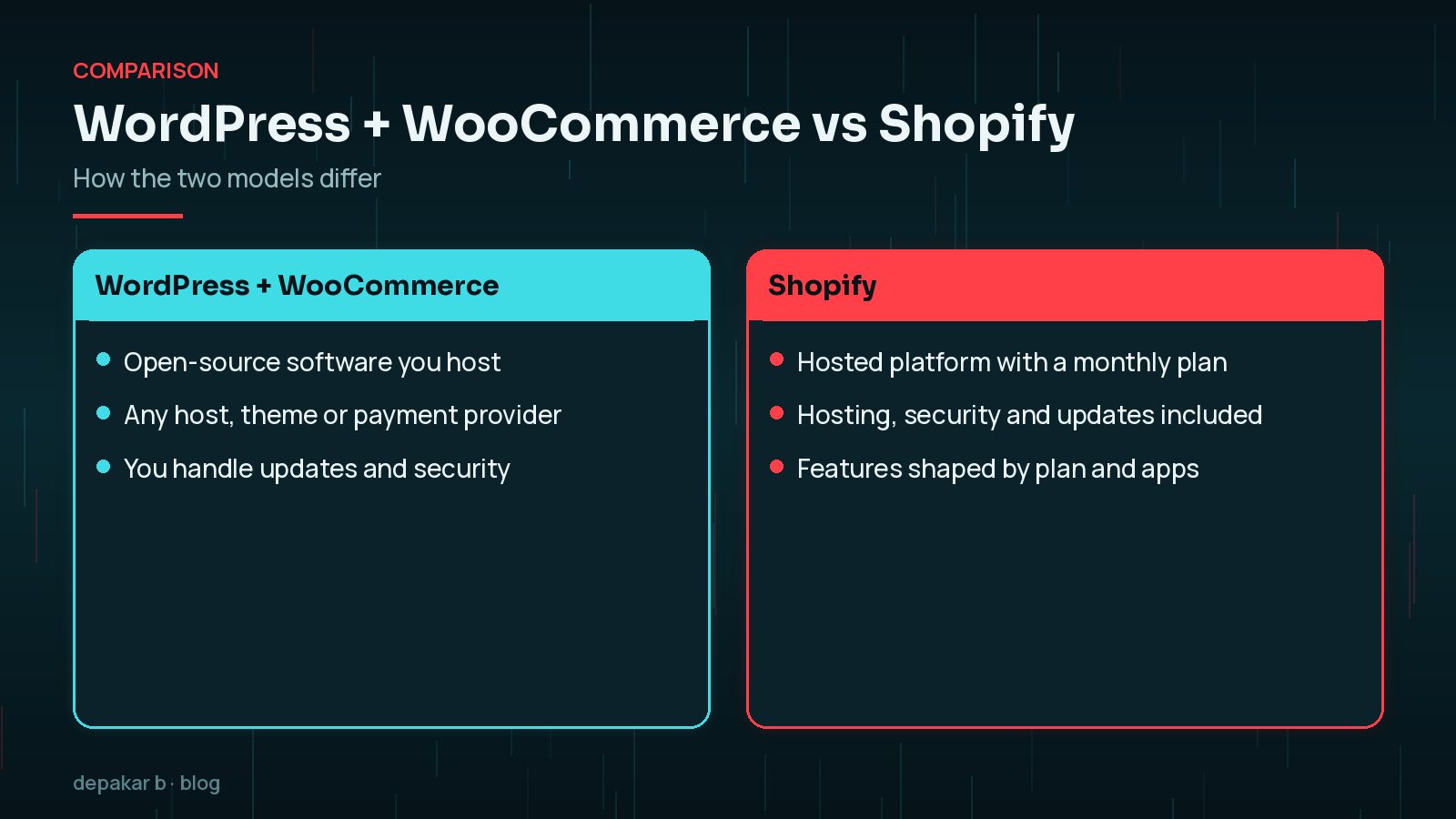
- WordPress + WooCommerce is open-source software. WordPress is licensed under the GPLv2, and WooCommerce describes itself as the open-source commerce platform for WordPress, letting you choose any payments, features and host. You (or your developer) run it on hosting you choose.
- Shopify is a hosted platform. You pay a monthly plan, and Shopify runs the hosting, security and core software. You customise it through themes, settings and apps.
Neither is automatically better. It's the difference between owning a building and renting a unit in a well-managed shopping centre.

Cost Factors on Each Platform
Prices change and depend on your plan, country and add-ons, so compare total cost over a few years rather than headline figures.
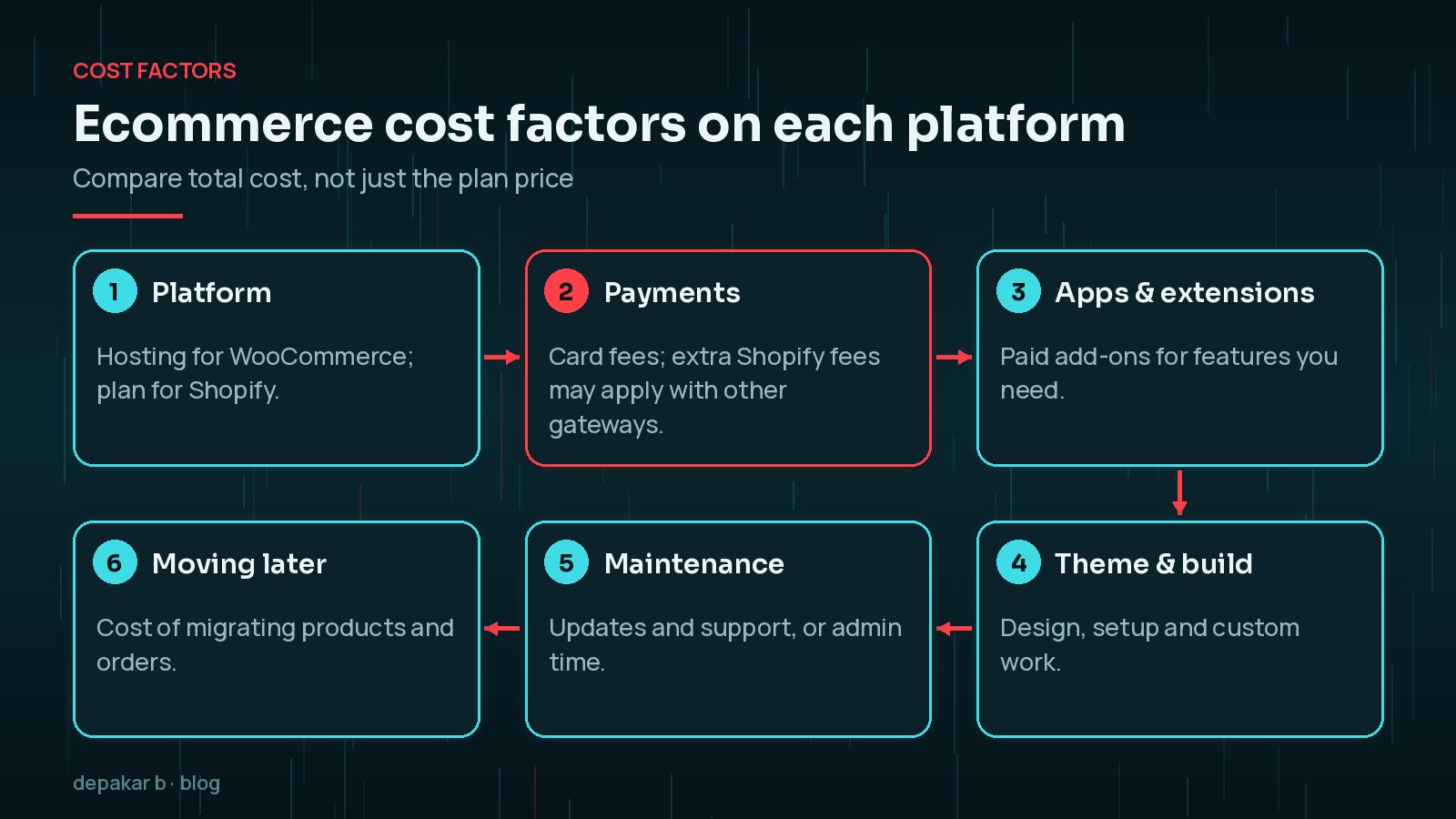
- Platform: WooCommerce is free to download, but you pay for hosting. Shopify charges a monthly plan, with hosting included.
- Payments: both involve card processing fees. Shopify's pricing page notes that third-party transaction fees may apply if you use a payment provider other than Shopify Payments, at a rate that depends on your plan.
- Apps and extensions: features such as subscriptions, bookings or advanced shipping often need paid add-ons on either platform.
- Theme and build: design, setup and any custom development.
- Maintenance: on WooCommerce, updates, backups and security are your responsibility or your developer's. On Shopify, much of that is included, but you still manage apps and content.
For the website side of the budget, see my guide to WordPress website cost factors.
Ease of Use and Day-to-Day Management
Shopify is designed so a non-technical owner can set up and run a store without thinking about servers, updates or backups. The admin is focused on products, orders and customers.
WooCommerce runs inside the WordPress admin, which also manages your pages, blog and other content. It's very flexible, but you need someone to look after updates, plugin compatibility, backups and security, whether that's you, a developer or a managed host.
Ask yourself honestly: do you want to own that responsibility, or pay to have it handled?
It also helps to think about who else will use the admin. Staff who only process orders may find Shopify's focused dashboard easier, while a team that also publishes articles, case studies or events may prefer having everything in one WordPress admin. Try a demo or trial of each and carry out your most common weekly tasks before deciding.
SEO and Content Flexibility
Both platforms can rank well. Good products, useful content and a fast, crawlable site matter more than the platform name. The differences are in flexibility:
- WordPress was built for content. Blogs, guides, landing pages and complex layouts are natural, and you control URLs, templates and structured data fully.
- Shopify handles the essentials well, but uses set URL patterns such as
/products/and/collections/, and deeper customisation usually needs theme code or apps.
If content marketing is central to your growth, WordPress often has the edge. If you mainly sell a catalogue of products, Shopify's structure is usually enough.
Speed is achievable on both. On WooCommerce it depends heavily on hosting and plugins; my guide to speeding up a WooCommerce store covers the main fixes.
Payments, Apps and Integrations
- WooCommerce works with many payment gateways and lets you choose your provider freely. See WooCommerce payment gateway integration.
- Shopify encourages Shopify Payments; some features, such as certain local payment methods, require it according to Shopify's pricing page.
- Integrations: Shopify has a large app store, and WooCommerce has a large range of extensions plus the whole WordPress plugin ecosystem. Both connect to common accounting, email and shipping tools.
If you have unusual requirements, such as custom pricing rules, complex product options or deep integration with your own systems, WooCommerce's open code usually gives more room.
Ownership, Lock-In and Moving Later
With WooCommerce, you hold the code, database and hosting account. You can move host, change developer or customise anything, because the software is open source.
With Shopify, your store runs on Shopify's platform under its terms. You can export core data such as products and customers, but themes and apps don't transfer elsewhere, and URLs usually change, so moving needs careful redirects.

Whichever you choose: keep your domain registered in your own name, separate from your platform, so you can always point it somewhere else.
If you ever do move in either direction, plan it like any site migration:
- List every URL for products, categories and content pages, and map each to its new address with a 301 redirect.
- Move the data in order: products and images first, then customers, then order history if you need it.
- Carry over SEO details such as titles, meta descriptions and image alt text, which import tools don't always transfer.
- Test checkout, emails and tax settings on the new platform before switching the domain.
If you're weighing up other platforms too, see my article on whether to leave WordPress for Astro or Next.js.
WordPress vs Shopify: Which to Choose for Your Business
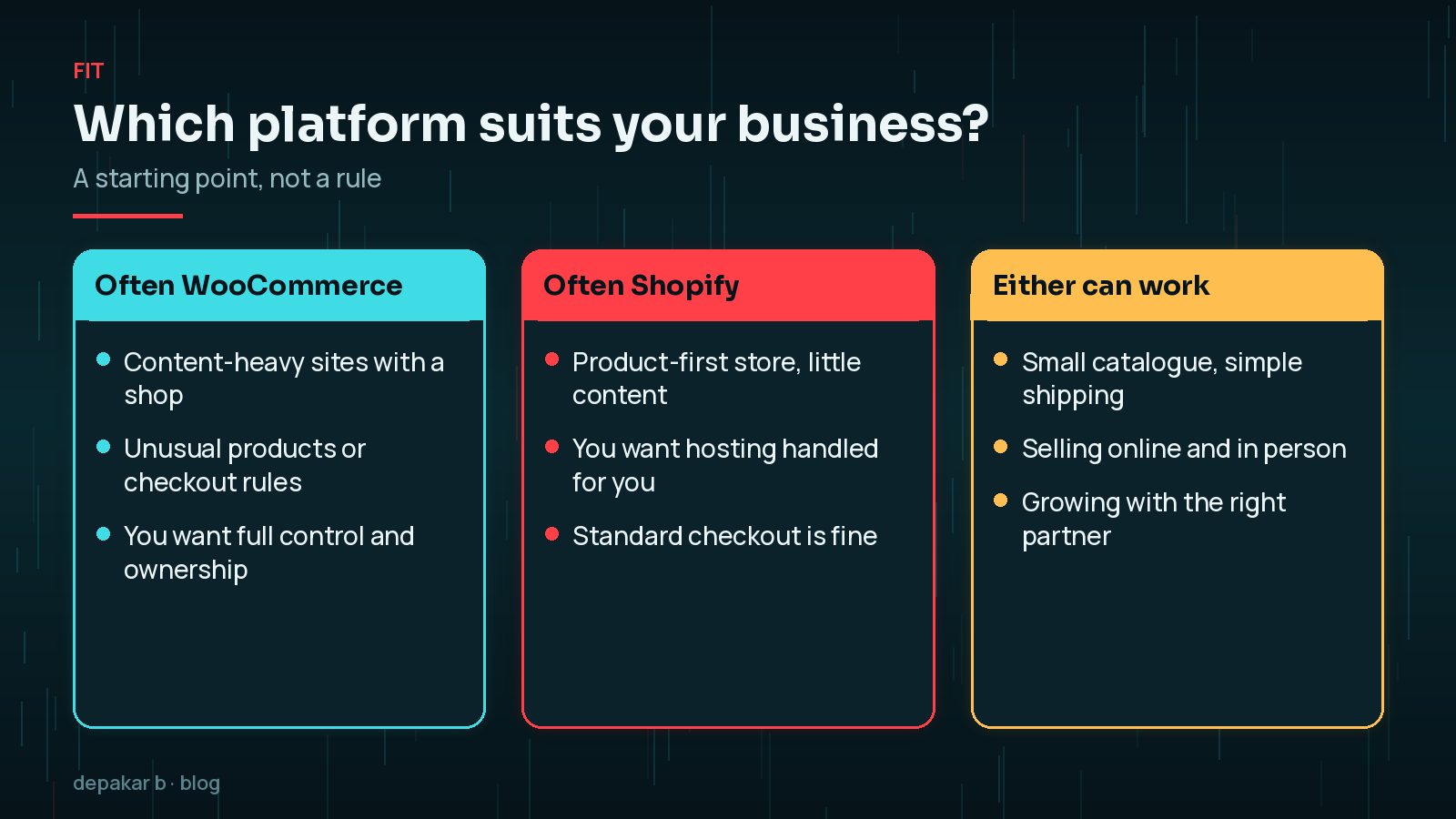
- Often WooCommerce: content-heavy businesses with a shop, unusual products or checkout rules, and owners who want full control and ownership.
- Often Shopify: product-first stores with little content, owners who want hosting and security handled, and standard checkout needs.
- Either can work: small catalogues with simple shipping, and businesses selling online and in person.
Write down your must-haves, likely add-ons and who will manage the store day to day, then compare both platforms against that list. If two options look close, the one your team is happier using every day is usually the better choice, because a store that is easy to manage tends to stay up to date.
Frequently Asked Questions
Is WordPress or Shopify better for a small business?
It depends. Shopify suits product-focused stores that want hosting and maintenance handled. WordPress with WooCommerce suits businesses that want more control, more content or unusual features.
Is WooCommerce cheaper than Shopify?
WooCommerce is free software, but you pay for hosting, extensions and maintenance. Shopify charges a monthly plan with hosting included. Compare total costs over several years for your needs.
Does Shopify charge transaction fees?
Shopify's pricing page says third-party transaction fees may apply if you use a payment provider other than Shopify Payments, at a rate that depends on your plan. Card processing fees also apply.
Is WordPress better than Shopify for SEO?
Both can rank well. WordPress offers more control over content, URLs and templates, which helps content-led businesses. Shopify covers the essentials for product catalogues.
Can I switch from Shopify to WooCommerce later?
Yes. Products and customers can be exported and imported, but themes and apps don't transfer and URLs usually change, so plan redirects carefully.
Final Thoughts
WordPress vs Shopify comes down to control versus convenience. Shopify handles the technology for a monthly fee; WordPress with WooCommerce gives you ownership and flexibility, with more responsibility. Match the platform to your products, content plans and who will run the store.
If WordPress and WooCommerce look like the right fit, you can read more about how I work as a WordPress developer.
List your must-haves, compare total cost, and keep your domain in your own name.
Official References
Sources checked on 29 October 2026: