
A good WordPress speed optimisation service is not a single plugin or a magic setting. It is a short project: find out why the site is slow, fix the biggest causes, then prove the improvement with real measurements. Knowing what goes into that project makes quotes much easier to compare.
What a WordPress Speed Optimisation Service Includes
Whoever does the work, a sensible speed job follows three stages.
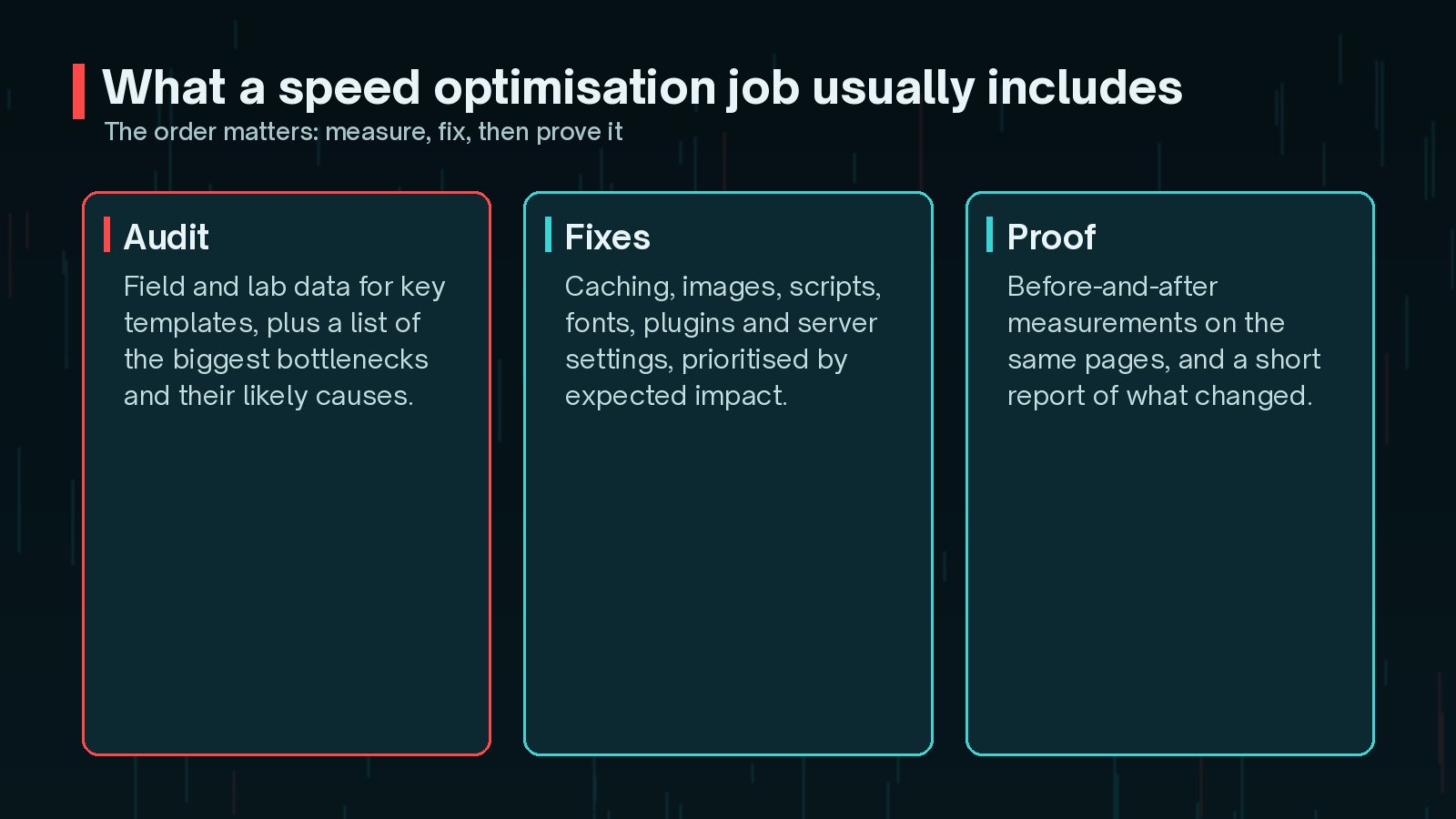
- Audit: field data and lab tests for your key templates, such as the homepage, a service or product page and a blog post. The output is a short list of bottlenecks in order of impact.
- Fixes: work on caching, images, fonts, scripts, plugins, database and server settings, tackled in the order that gives the biggest gain.
- Proof: before-and-after results on the same pages, using the same tools, plus a note of what changed.
The aim should be a better experience for real visitors. web.dev defines the Core Web Vitals targets as Largest Contentful Paint within 2.5 seconds, Interaction to Next Paint of 200 milliseconds or less, and Cumulative Layout Shift of 0.1 or less, measured at the 75th percentile of page loads.
Factors That Change the Scope
Two sites that look similar can need very different amounts of work. These are the factors that usually make the difference.
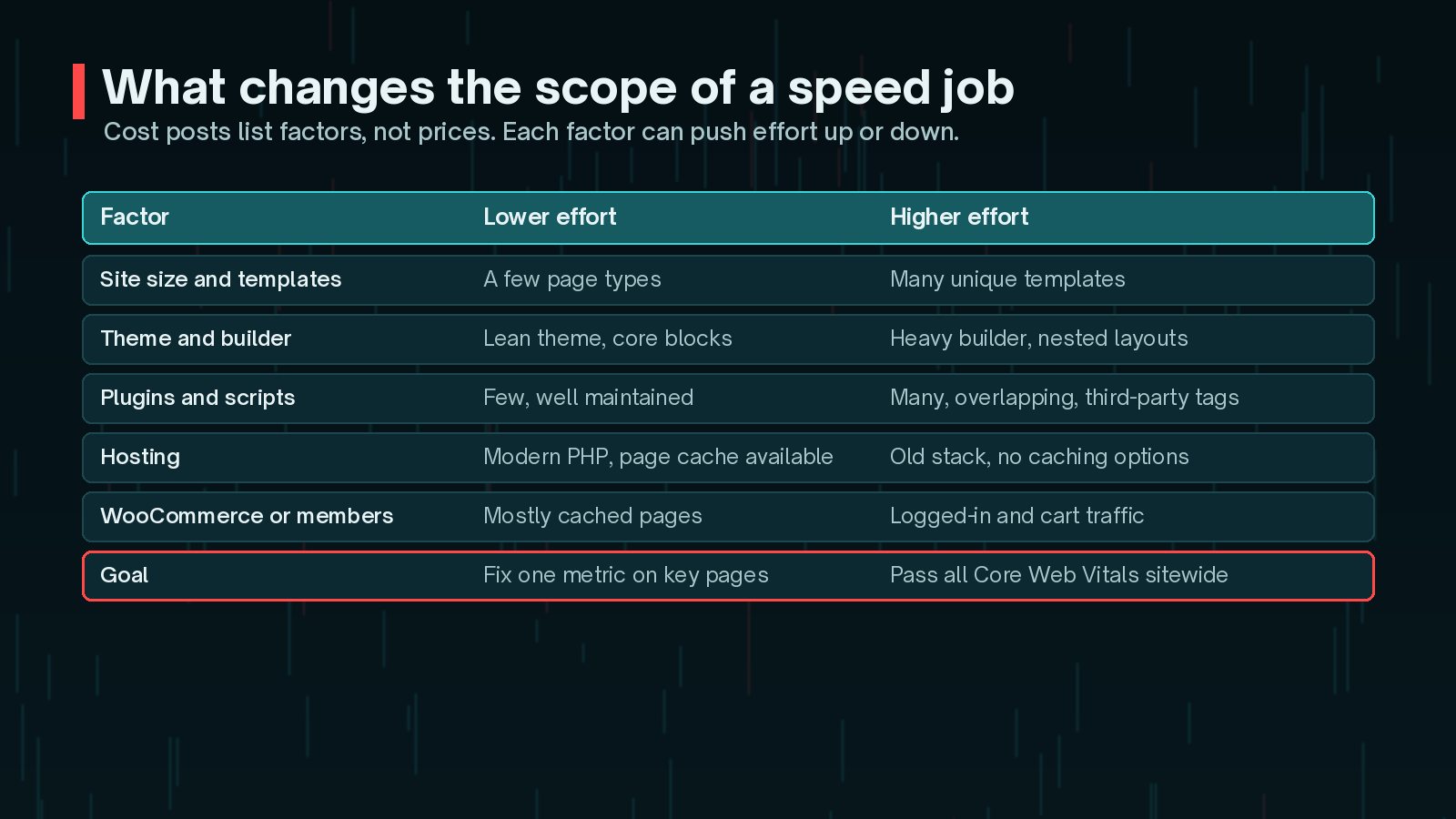
- Number of templates: each distinct page type needs its own testing and fixes.
- Theme and page builder: heavy builders and deeply nested layouts take longer to improve. I explain why in is your page builder slowing WordPress?
- Plugins and third-party scripts: chat widgets, tag managers, ads and booking tools often cost the most and are the hardest to remove.
- Hosting: an old PHP version or a host with no caching options limits what code work can achieve.
- Dynamic features: WooCommerce carts, checkouts and logged-in members cannot be served from a simple page cache.
- Your goal: improving LCP on five key pages is a different job from passing every Core Web Vital on every page.
Because of all this, a fixed price for any site is a warning sign. A scoped quote after a short audit is more honest.
Hosting Upgrades vs Code Work
The WordPress optimisation handbook lists hosting, configuration, software versions, themes, plugins and images among the main performance factors. Some of these are fixed by better hosting, and others only by changing the site.

- Hosting helps when the server is slow to respond, especially for uncached pages, busy stores and logged-in users. More CPU and memory, faster storage, newer PHP and server-level caching all reduce server time.
- Code work helps when the browser is doing too much: large images, render-blocking CSS and JavaScript, heavy fonts, layout shifts and slow interactions.
WordPress.org currently recommends PHP 8.3 or greater, and MariaDB 10.11 or greater or MySQL 8.0 or greater, as of October 2026. If your host cannot offer a supported stack, fix that first, because code work cannot make up for it.
Quick Wins You Can Do Yourself
Before hiring anyone, a few safe changes can make a real difference. Take a backup first and test after each step.
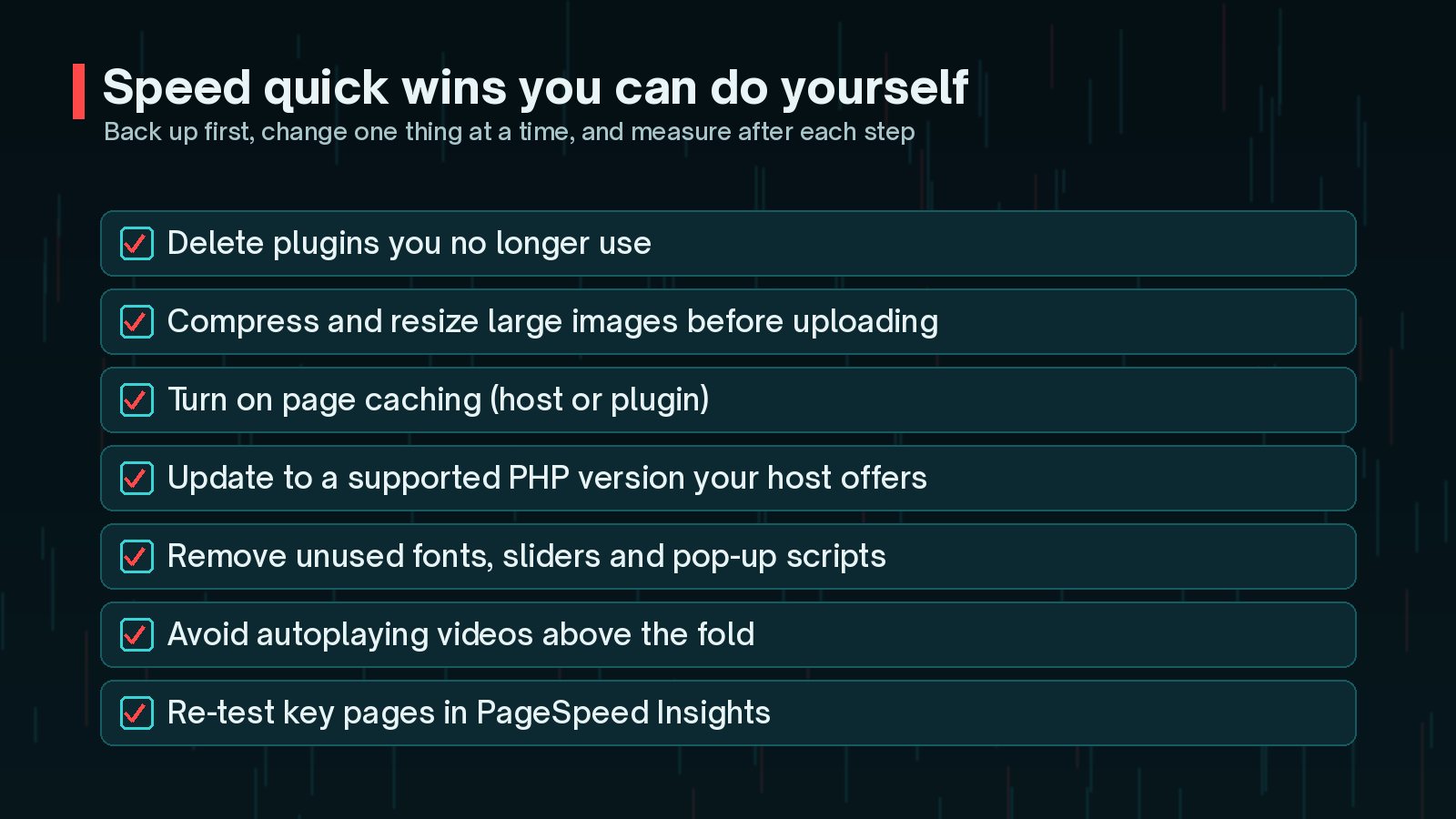
- Delete plugins you no longer use. The handbook calls this one of the most significant ways to improve performance.
- Resize and compress images before uploading, and consider modern formats such as WebP.
- Turn on page caching, either from your host or through a well-maintained plugin.
- Ask your host to move you to a supported PHP version.
- Remove unused fonts, sliders, pop-ups and tracking scripts.
My WordPress speed optimisation checklist goes through these in more detail.
Try the quick wins first. Even if you still hire help, a leaner starting point means the paid work goes on the harder problems rather than tidying up.
When a Rebuild Is Cheaper Than Tuning
Sometimes tuning is the expensive option. If every fix is a workaround for the theme or builder, the effort keeps growing while the gains shrink.
A rebuild of key templates, or the whole site, is often worth considering when:
- The theme is no longer maintained or relies on outdated code.
- Page builder layouts are deeply nested and slow, even after tuning.
- You are already planning a redesign within the next year.
- Plugins overlap heavily because features were added piece by piece.
Ask your provider to say plainly when they think tuning will hit a ceiling. A good one will tell you, even if it means less work for them now.
How Results Should Be Measured
Insist on clear measurement before and after. Google's PageSpeed Insights documentation explains the two kinds of data it shows:
- Lab data from Lighthouse, a simulated page load that is useful for debugging but varies between runs.
- Field data from real Chrome users over the previous 28-day collection period, reported at the 75th percentile.

A useful results report shows the same pages, tested the same way, before and after, plus field data once it has had time to update. My article on PageSpeed score vs Core Web Vitals explains why the score and the vitals can tell different stories.
Questions to Ask Before Hiring
- Will you audit first and share what you find before starting fixes?
- Which pages and metrics will you measure, and with which tools?
- Will you work on a staging site and take backups first?
- What will you change: hosting, plugins, theme code, images?
- What happens if a fix breaks a feature, a form or tracking?
- Will I get a written summary of every change?
- What would make you recommend a rebuild instead?
Be wary of guaranteed scores. Lab scores vary between runs and devices, and some "fixes" game the test without helping real visitors. Ask about field data and Core Web Vitals instead.
For the wider picture, my WordPress performance guide explains how the pieces fit together.
Frequently Asked Questions
How much does WordPress speed optimisation cost?
There is no single price, because the work depends on your site. The number of templates, your theme or page builder, plugins and third-party scripts, hosting, WooCommerce or membership features and your target all change the effort. Ask for a scoped quote after an audit rather than a flat fee for any site.
Can anyone guarantee a 100 PageSpeed score?
Be careful with that promise. The PageSpeed Insights score is a lab result from a simulated test, and it can vary between runs. What matters more is field data from real visitors, especially the Core Web Vitals. A good provider will talk about those.
How long does a speed optimisation job take?
A focused job on a small site might take a few days of work, while a complex WooCommerce store or a site that needs template rebuilds can take much longer. Field data then needs time to update, because PageSpeed Insights reports real-user data over the previous 28 days.
Will faster hosting fix everything?
Not always. Better hosting helps when the server is slow to respond, but it will not fix large images, heavy page builder layouts or too many scripts in the browser. Measure first to see where the time goes.
Do I need ongoing speed work after the job?
Speed tends to drift as you add plugins, scripts and content. A light monthly check, often part of a maintenance plan, helps catch regressions before they become a problem.
Final Thoughts
A WordPress speed optimisation service should audit first, fix in order of impact and prove the result with the same measurements. The cost depends on your templates, theme, plugins, hosting, dynamic features and goal, so a scoped quote after an audit is the fair way to price it. Try the quick wins yourself first, and ask the questions above before you hire.
If you would like me to audit your site and give you a clear, prioritised plan, my speed and performance service starts there.
Official References
Sources checked on 29 October 2026: