
The WordPress website redesign cost question rarely has a one-line answer, because "redesign" covers everything from a new colour scheme to rebuilding a site from scratch. What you can do is understand the factors that drive the price. Then you can decide where to spend, where to save and how to compare quotes fairly.
Refresh, Redesign or Rebuild: Which Do You Need?
The first decision shapes the whole budget.
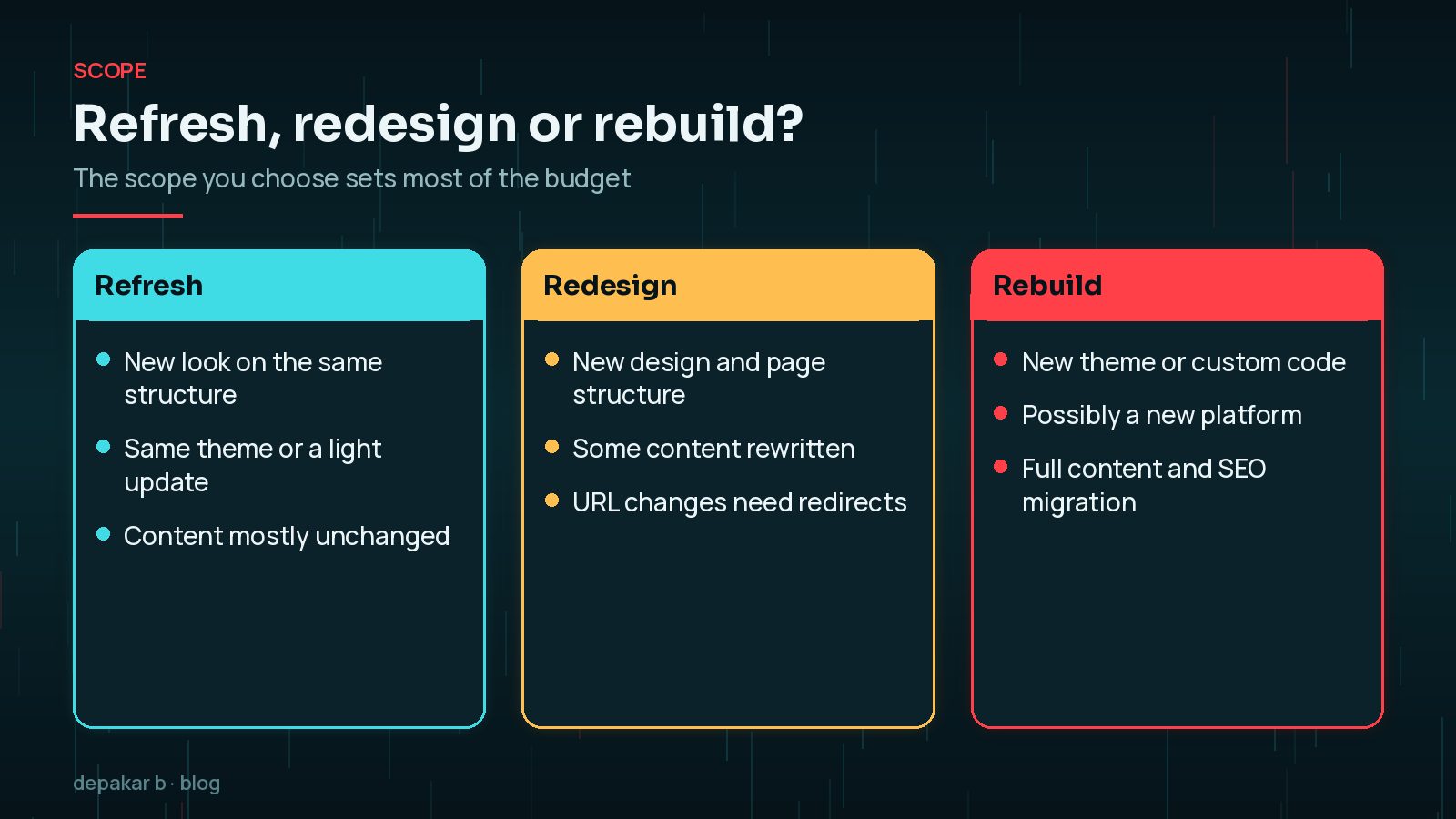
- Refresh: a new look on the same structure. Updated styles, typography, images and perhaps a few templates. Content and URLs largely stay as they are.
- Redesign: new design and page structure. Some pages are merged, split or rewritten, and URLs may change.
- Rebuild: a new theme or custom code, sometimes a new platform, with full content and SEO migration.
If you are unsure which you need, my article on the signs you need a website redesign helps you decide. A refresh is often enough when the structure works and only the look is dated.
Choosing the wrong scope is expensive in both directions. A refresh on top of a site with deep structural problems can leave you paying again within a year or two. A full rebuild when the foundations are sound spends money on work nobody will notice. An honest audit of the current site, covering speed, plugins, content and analytics, is usually money well spent before you commit.
What Drives WordPress Website Redesign Cost
Every redesign is a combination of the same building blocks. Each one adds or removes work.
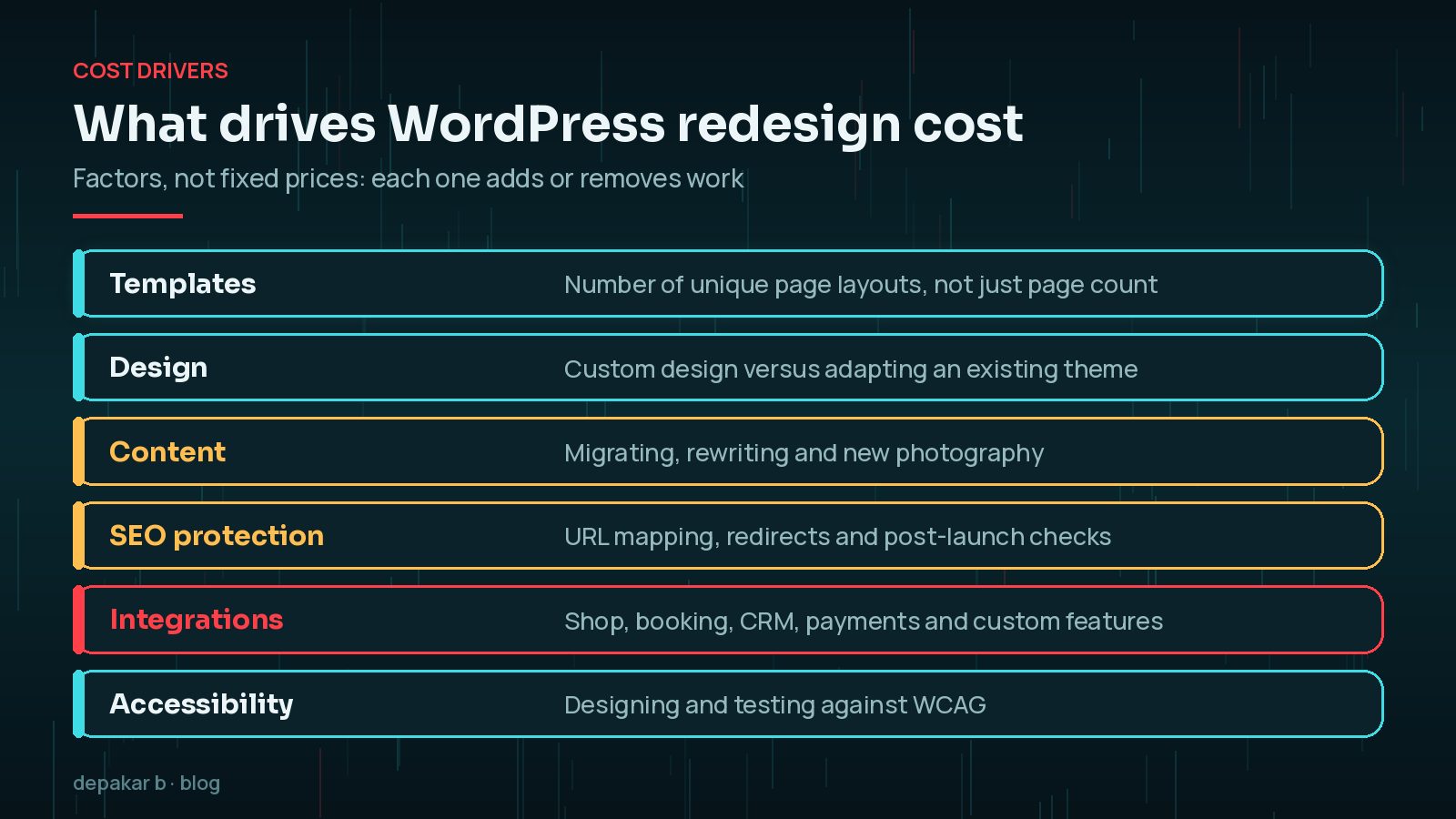
- Templates, not pages: fifty blog posts share one template. A site with many unique layouts costs more than a large site with few.
- Design approach: fully custom design takes longer than adapting a well - built theme or design system.
- Content: who writes, edits and moves it, and whether new photography or illustration is needed.
- SEO protection: URL mapping, redirects and post-launch monitoring.
- Functionality: shops, bookings, memberships, CRM connections and custom features.
- Accessibility: designing and testing against the Web Content Accessibility Guidelines. The W3C encourages using the latest version, currently WCAG 2.2.

The state of the existing site matters too. Outdated plugins, custom code nobody documented and years of content clutter all take time to untangle.
Content Migration and Rewriting
Content is the most underestimated part of most redesigns. Moving text and images into new templates takes time, and rewriting takes far longer.
- Audit first: list every page and decide to keep, merge, rewrite or remove.
- Decide who writes: you, the supplier or a copywriter. Each option has a different cost and timeline.
- Plan images: new photography, stock licences or illustrations.
- Watch for delays: launches are often held up by content that arrives late, not by development.
Content is usually the critical path. Start writing and gathering content as early as possible, even before the design is final. A site full of placeholder text cannot launch, however good the design.
SEO Protection Work
If URLs, structure or content change, search visibility is at risk. Google's guidance on site moves with URL changes recommends preparing a mapping from old URLs to new ones, redirecting them and monitoring traffic afterwards. It also says to expect temporary ranking fluctuations while Google recrawls the site.
- Crawl and export every current URL, including images and PDFs.
- Map each one to its new equivalent and set up 301 redirects.
- Keep titles, headings and internal links strong on key pages.
- Monitor Search Console for errors after launch.
The amount of SEO work scales with what changes. A refresh that keeps every URL needs little more than checks after launch. A rebuild that merges pages, changes the URL structure or moves domain needs careful mapping and weeks of monitoring, and that should be visible as a line in the quote.
This work is easy to drop from a budget and expensive to skip. My guide to a website redesign without losing SEO covers it in detail.
Functionality and Integrations
Design often gets the attention, but functionality usually drives the biggest differences in cost.
- E-commerce, especially with complex products, shipping rules or subscriptions.
- Booking systems, membership areas and customer portals.
- Integrations with CRMs, accounting, email marketing or inventory systems.
- Custom features that no existing plugin covers well.

For each feature, ask whether a well-maintained existing plugin can do the job or whether custom development is needed. Plugins are usually quicker to set up but bring licences, updates and limits. Custom code fits exactly but needs to be maintained. Neither is automatically cheaper over the life of the site.
Be specific. "A booking form" can mean a simple enquiry form or a full availability calendar with payments. Each needs a very different budget.
Ongoing Costs After Launch
The launch price is not the total cost of owning the site.
- Hosting: WordPress.org's hosting page sets out what to look for in a host; better hosting usually costs more but saves time.
- Licences: premium themes, plugins and services often renew yearly.
- Maintenance: updates, backups, security monitoring and small changes.
- Content and SEO: new pages, articles and improvements over time.
It is also sensible to keep some of the budget in reserve for changes you only discover during the project, such as a page you forgot or an integration that turns out to be more complex. Agree up front how changes in scope will be quoted and approved.
Ask every supplier to list these separately, so you can compare the full picture, not just the build.
How to Get Quotes You Can Compare
Quotes are only comparable if they price the same thing.
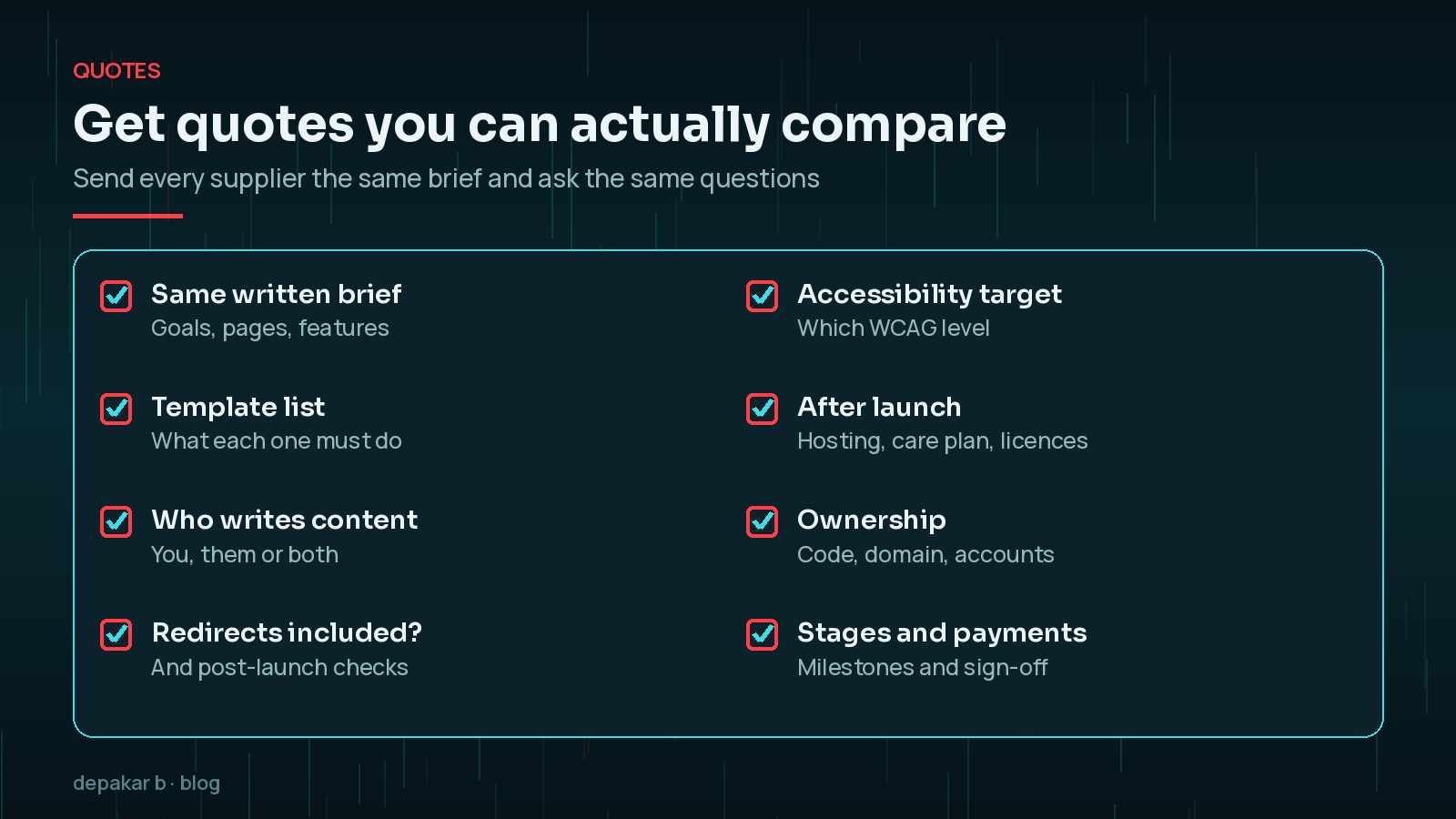
- Send the same written brief to everyone: goals, page and template list, features and integrations.
- Say who is responsible for content.
- Ask whether redirects, accessibility testing and post-launch support are included.
- Confirm who owns the code, domain and accounts.
- Ask for stages, milestones and what happens if the scope changes.
My WordPress website revamp checklist makes a good basis for a brief, and my guide to WordPress website cost factors covers new builds.
Frequently Asked Questions
How much does a WordPress website redesign cost?
It depends on scope: how many unique templates you need, whether design is custom, how much content is moving or being rewritten, what integrations are involved and how much SEO protection work is required. A short, clear brief is the best way to get realistic figures from suppliers.
Is a redesign cheaper than building a new site?
Often, but not always. A refresh that keeps the structure and content is usually the smallest job. A redesign that changes structure, content and functionality can involve as much work as a new build, especially if the old site has years of technical debt.
Why do quotes for the same project vary so much?
Suppliers interpret briefs differently. One may include content migration, redirects and accessibility testing; another may leave them out. Ask every supplier to price the same written scope and list exclusions.
Do I need to budget for SEO during a redesign?
If URLs, structure or content are changing, yes. Google's site move guidance recommends mapping old URLs to new ones and redirecting them. Skipping that work can cost far more in lost traffic than it saves.
What ongoing costs should I expect after launch?
Typically hosting, domain renewal, premium plugin or theme licences, and maintenance such as updates, backups and security monitoring. Ask for these to be listed in the proposal.
Final Thoughts
WordPress website redesign cost comes down to scope. Decide whether you need a refresh, redesign or rebuild, then be clear about templates, content, SEO protection, functionality and accessibility. Price the ongoing costs too, and compare quotes against the same written brief.
If you would like a scoped proposal for your own site, my website revamp service starts with exactly that conversation.
Official References
Sources checked on 29 October 2026: