
Websites rarely break all at once. They slowly fall behind: enquiries tail off, pages feel slow, and updating anything becomes a chore. This guide covers seven signs you need a website redesign, how to check each one with evidence rather than gut feel, and when a smaller refresh might be enough.
If two or three of these sound familiar, it's worth planning. If only one applies, a targeted fix may solve it without a full rebuild.
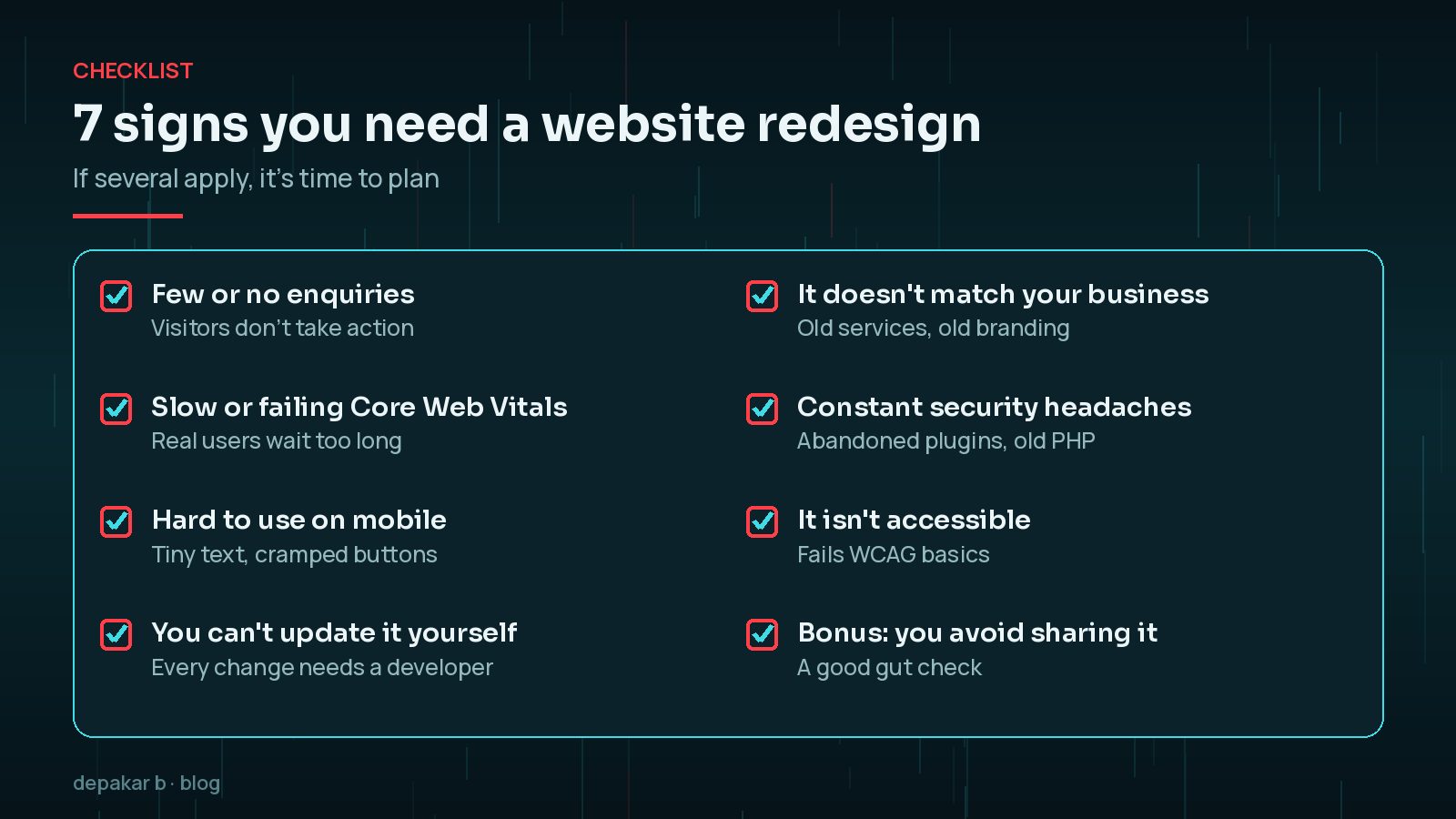
1. It Isn't Bringing In Enquiries
For most business websites, the job is to generate enquiries, bookings or sales. If visitors arrive but don't act, something is getting in the way.
- Check your analytics: are people reaching key pages but not contacting you?
- Look at Search Console: are you getting impressions but few clicks? Titles and descriptions may not match what people want.
- Try your own contact form and phone links on a phone. Broken forms are more common than you'd think.
- Read your service pages as a customer. Is it clear what you do, where, and how to get in touch?
Sometimes the fix is clearer copy and calls to action rather than a new design. Other times the structure itself makes it hard for people to find what they need.
It's also worth comparing enquiries with the same months last year, so seasonal dips don't mislead you. A steady decline over a year or more, while your business is otherwise healthy, is a much stronger signal than one quiet month.
2. It's Slow or Fails Core Web Vitals
Speed affects whether people stay. web.dev sets the "good" Core Web Vitals thresholds as LCP within 2.5 seconds, INP of 200 milliseconds or less and CLS of 0.1 or less, measured at the 75th percentile of real visits.
Check the Core Web Vitals report in Search Console, or the field data in PageSpeed Insights. My guide to PageSpeed score vs Core Web Vitals explains which numbers to trust.
If the slowness comes from an outdated theme, a heavy page builder or years of added plugins, speed fixes may only go so far. That's when a rebuild on a lighter foundation can make sense.
3. It's Hard to Use on Mobile
Open your site on your phone and try to do what a customer would: find a service, read the prices, and get in touch. Warning signs include:

- Text you have to zoom to read.
- Buttons and links too small or too close together to tap.
- Content wider than the screen, so the page scrolls sideways.
- Pop-ups that cover the page and are hard to close.
- Menus that don't open, or hide important pages.
If your site was designed for desktop first and adapted later, these problems often run through every template.
4. You Can't Update It Yourself
If changing an opening time or adding a new service needs a developer, your site will fall out of date. Common causes:
- A theme or builder that's confusing or fragile to edit.
- Content hard-coded into templates instead of editable fields.
- A platform only one person knows how to use.
- Fear of breaking something every time you log in.
A good redesign gives you sensible editing tools for the content you change often, with guard rails so the design stays consistent. WordPress's block editor, used well with patterns and locked layouts, lets you edit text and images without accidentally breaking the page design. Ask to be shown how to make common changes before the site launches.
5. It No Longer Matches Your Business
Businesses change faster than websites. Your site may need more than a refresh if:

- It lists services you no longer offer, or misses your main ones.
- Your branding, photos or team have changed.
- You've moved into new areas or markets.
- You avoid sending people to it because it embarrasses you.
Google's SEO starter guide encourages content that is up to date, helpful and reliable. An outdated site works against that.
6. Security and Maintenance Headaches
Some sites become hard to keep safe. Watch for:
- Plugins or themes that are no longer updated by their developers.
- An old PHP version you can't upgrade because something breaks.
- Repeated hacks, spam or malware warnings.
- Updates you avoid because they always cause problems.
These are often signs of technical debt. A rebuild can remove abandoned components and leave you with a smaller, easier-to-maintain site. Before deciding, ask a developer to list which plugins are abandoned and whether each has a maintained replacement; sometimes swapping a few components is enough.
7. It Isn't Accessible
Accessibility means people with disabilities can use your site, including those using screen readers, keyboards or magnification. The W3C's Web Content Accessibility Guidelines (WCAG) are the international standard, with success criteria at three levels: A, AA and AAA.
Quick checks you can do yourself:
- Can you use the whole site with a keyboard, with a visible focus indicator?
- Is text readable against its background?
- Do images have meaningful alt text?
- Do forms have proper labels and clear error messages?
If accessibility problems run through your theme, fixing them page by page can cost more than rebuilding on an accessible foundation.
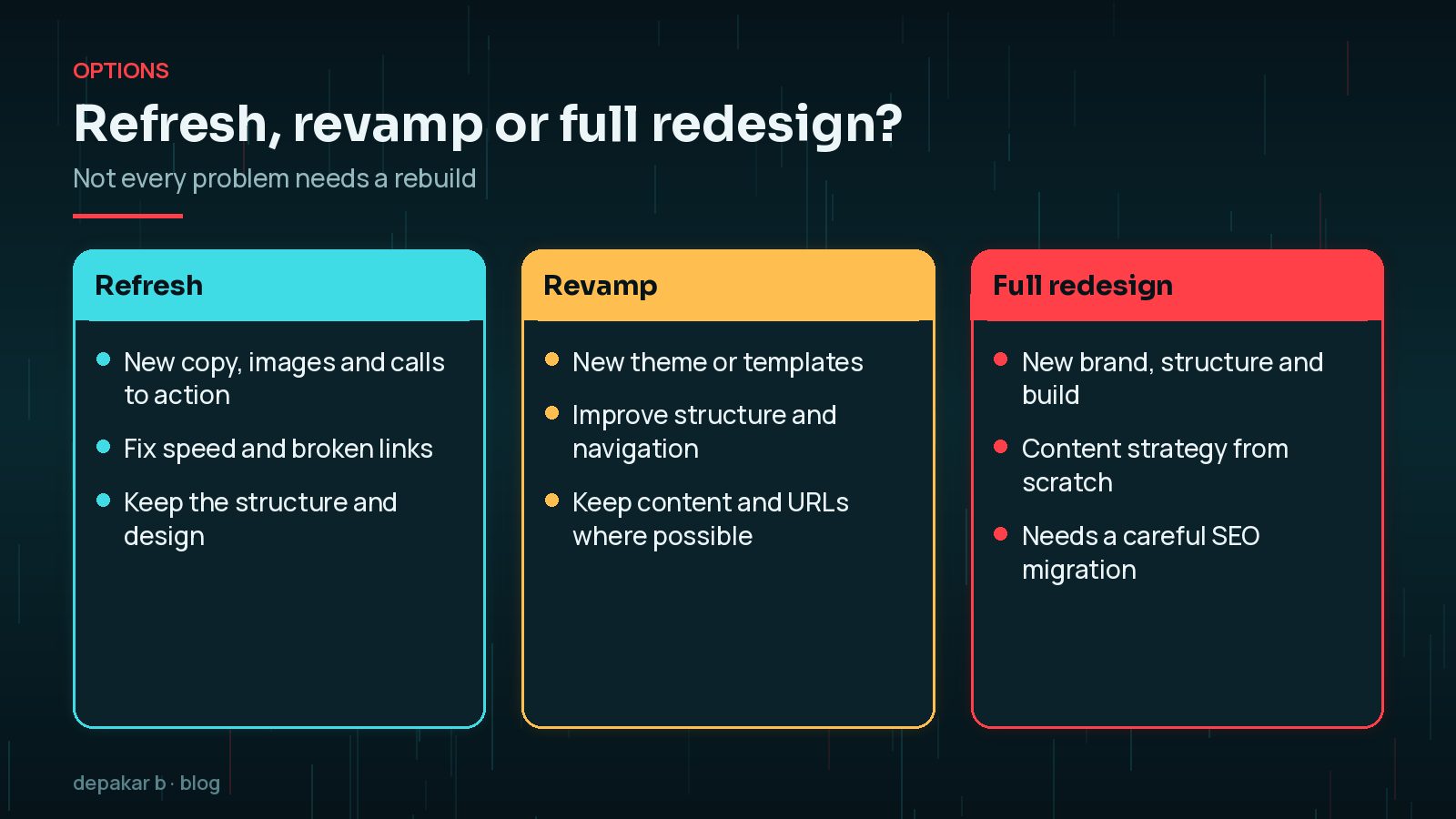
Not every problem needs a rebuild. A refresh of copy and images, or a revamp of templates, can fix several of these signs for less effort and risk.
Spotted the Signs You Need a Website Redesign? What to Do Next
Collect evidence first, so the new site fixes real problems rather than just looking different.
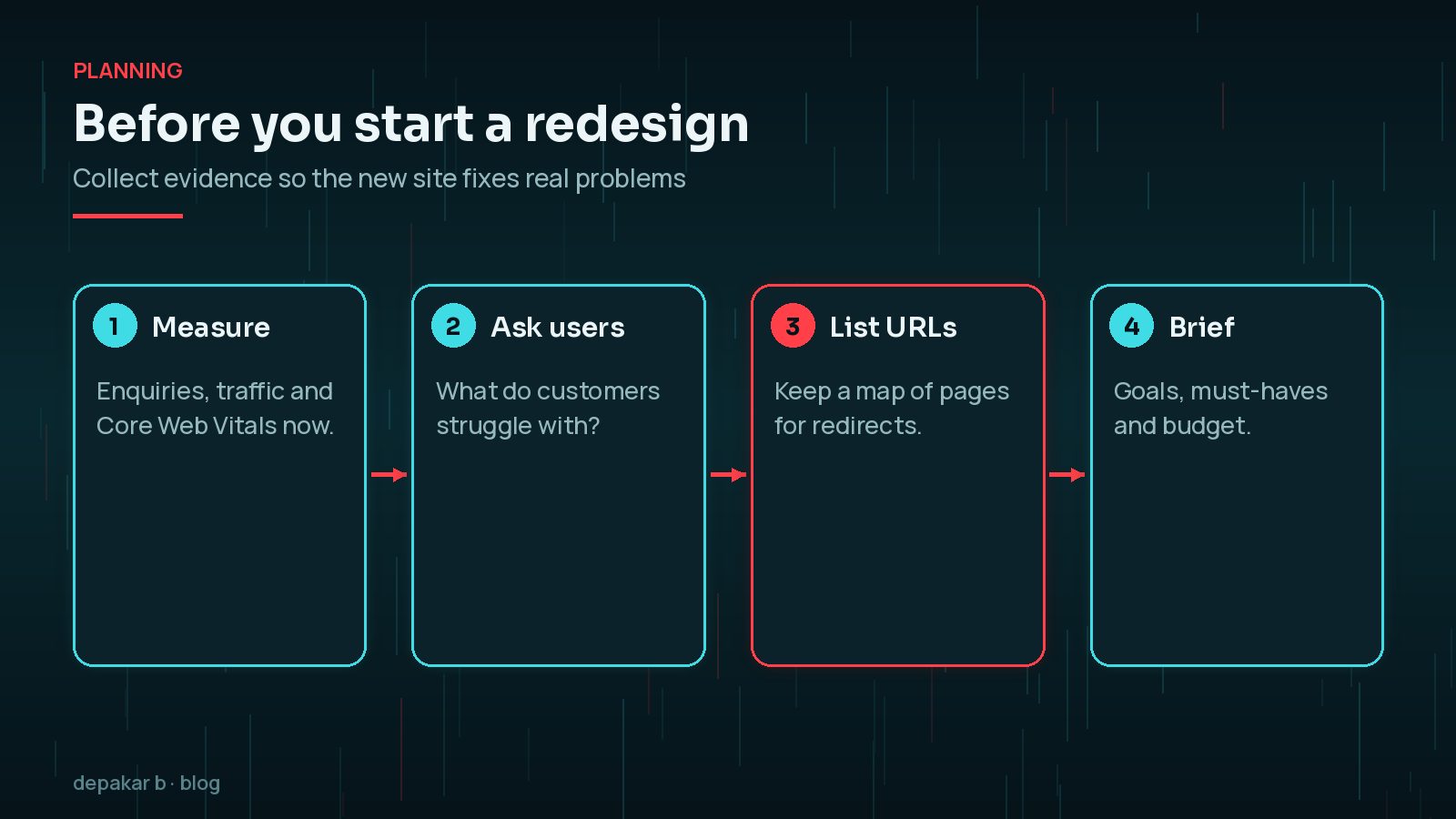
- Measure current enquiries, traffic and Core Web Vitals so you can compare later.
- Ask customers what they find hard.
- List every URL, so you can redirect old pages and protect your search traffic. See redesigning without losing SEO.
- Write a brief with goals and must-haves, and use my WordPress website revamp checklist. For budgeting, see WordPress redesign cost factors.
Frequently Asked Questions
What are the signs you need a website redesign?
Common signs are few enquiries, slow pages or failing Core Web Vitals, a poor mobile experience, difficulty updating content, outdated branding or services, constant security problems and poor accessibility.
How often should a business website be redesigned?
There's no fixed schedule. Redesign when evidence such as falling enquiries, poor performance or maintenance problems shows the site is holding you back.
Is a refresh enough instead of a full redesign?
Often, yes. If the structure works, new copy, images, calls to action and speed fixes may solve the problem for less cost and risk.
Will a redesign hurt my SEO?
It can if URLs change without redirects or content is removed. Plan redirects, keep valuable content and monitor Search Console after launch.
How do I know if my website is accessible?
Try keyboard-only navigation, check text contrast, alt text and form labels, and compare against WCAG. A professional audit gives a fuller picture.
Final Thoughts
The clearest signs you need a website redesign show up in evidence: fewer enquiries, poor real-user performance, mobile frustration, painful updates, outdated content, security headaches and accessibility gaps. Check each one honestly, then choose the smallest project that fixes the real problems.
If you'd like a second opinion, my website revamp service starts with an assessment of what your site actually needs.
Gather evidence first, fix the real problems, and protect what already works.
Official References
Sources checked on 29 October 2026: