
If you need to migrate WordPress to a new host, the goal is simple: visitors should keep seeing a working site the whole time. That is achievable for most sites because DNS lets you choose the moment traffic moves. Until then, the old server carries on as normal while you set up and test the new one.
This guide follows that order: decide, prepare, copy, test, switch and check.
When Should You Migrate WordPress to a New Host?
Moving takes effort, so be clear about why. Common reasons include:
- Slow server response even after caching and plugin clean-up. My guide to reducing TTFB on WordPress helps you confirm the server is really the bottleneck.
- Outdated software, such as old PHP or database versions the host will not upgrade.
- Poor support during outages or security problems.
- Missing features, such as staging, SSH, reliable backups or server-level caching.
- Growth that the current plan cannot handle, such as a busy shop.
If the main problem is a single slow plugin or an oversized page, moving hosts will not fix it. Diagnose first.
Timing matters too. Avoid moving during your busiest season, a product launch or a big campaign. Pick a quieter window, give yourself time for testing, and make sure you will be around for a day or two after the switch to deal with anything unexpected. Check your current contract as well, so you are not paying for two hosts for longer than you need to, but do not cancel the old plan until the new site has been running smoothly.
What to Check on the New Host First
Settle these questions before you copy a single file. WordPress.org's hosting page and server requirements are a good starting point.
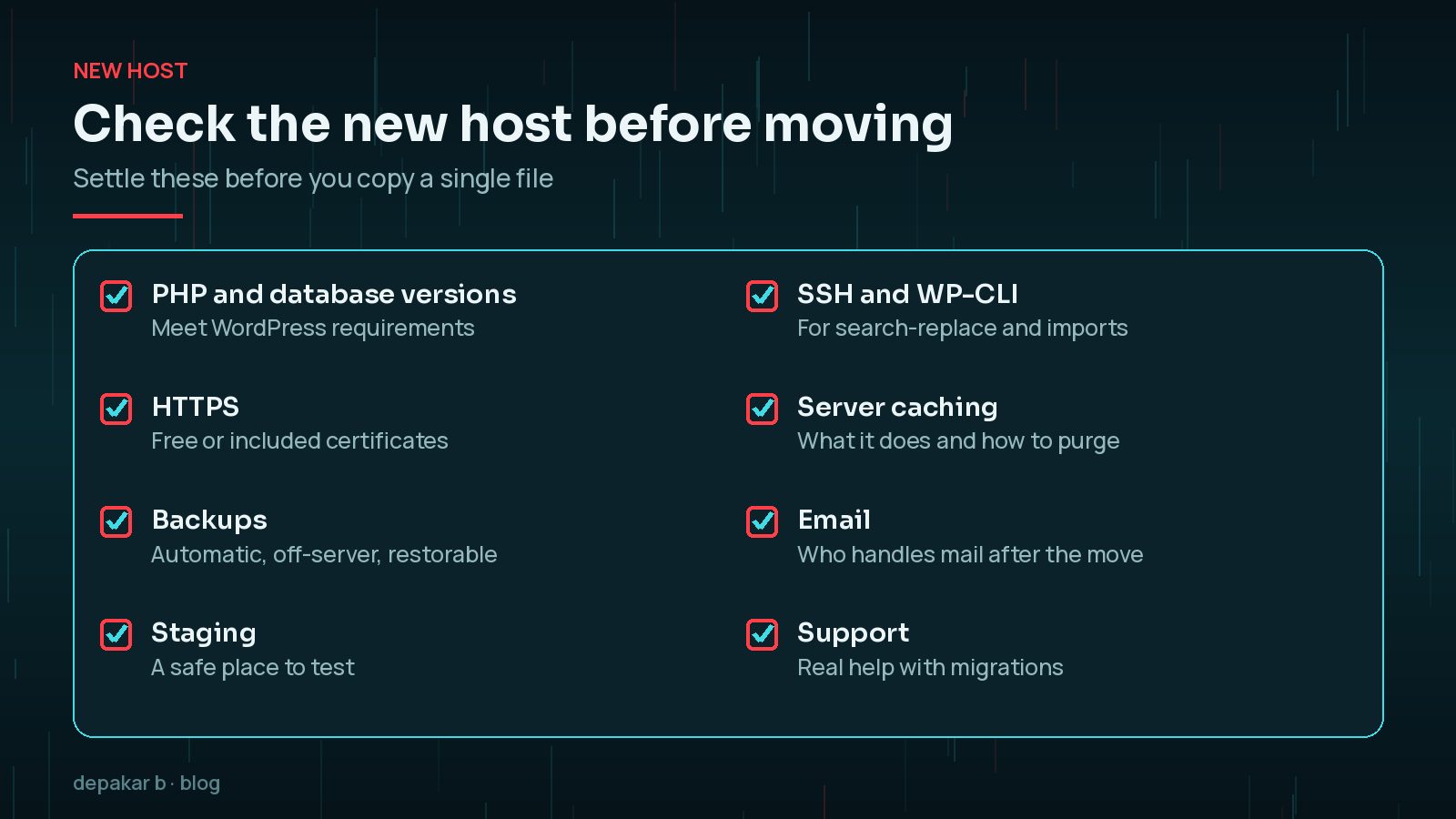
- PHP and database versions that meet current WordPress requirements.
- HTTPS certificates, ideally issued automatically.
- Automatic backups stored away from the server, with a tested restore.
- Staging environments, SSH and WP-CLI access.
- How server caching works and how to purge it.
- Whether the host provides email, and whether you want it to.
Backups and a Pre-Migration Checklist
A migration is also a good moment to tidy up. Before you start:
- Take a full backup of files and database, and download a copy. My WordPress backup strategy explains what a reliable backup looks like.
- Delete unused plugins, themes and old backup archives sitting inside
wp-content. - List everything that relies on the server: forms, payment webhooks, cron jobs, API integrations and email sending.
- Note your current DNS records, including MX and TXT records for email.
- Lower the TTL on the records you will change, a day or more in advance. TTL controls how long resolvers cache a record, so a lower value means the switch reaches visitors faster.
Moving Files, the Database and Search-Replace
A WordPress site is two things: the files, mainly wp-content plus wp-config.php, and the database. Copy both.
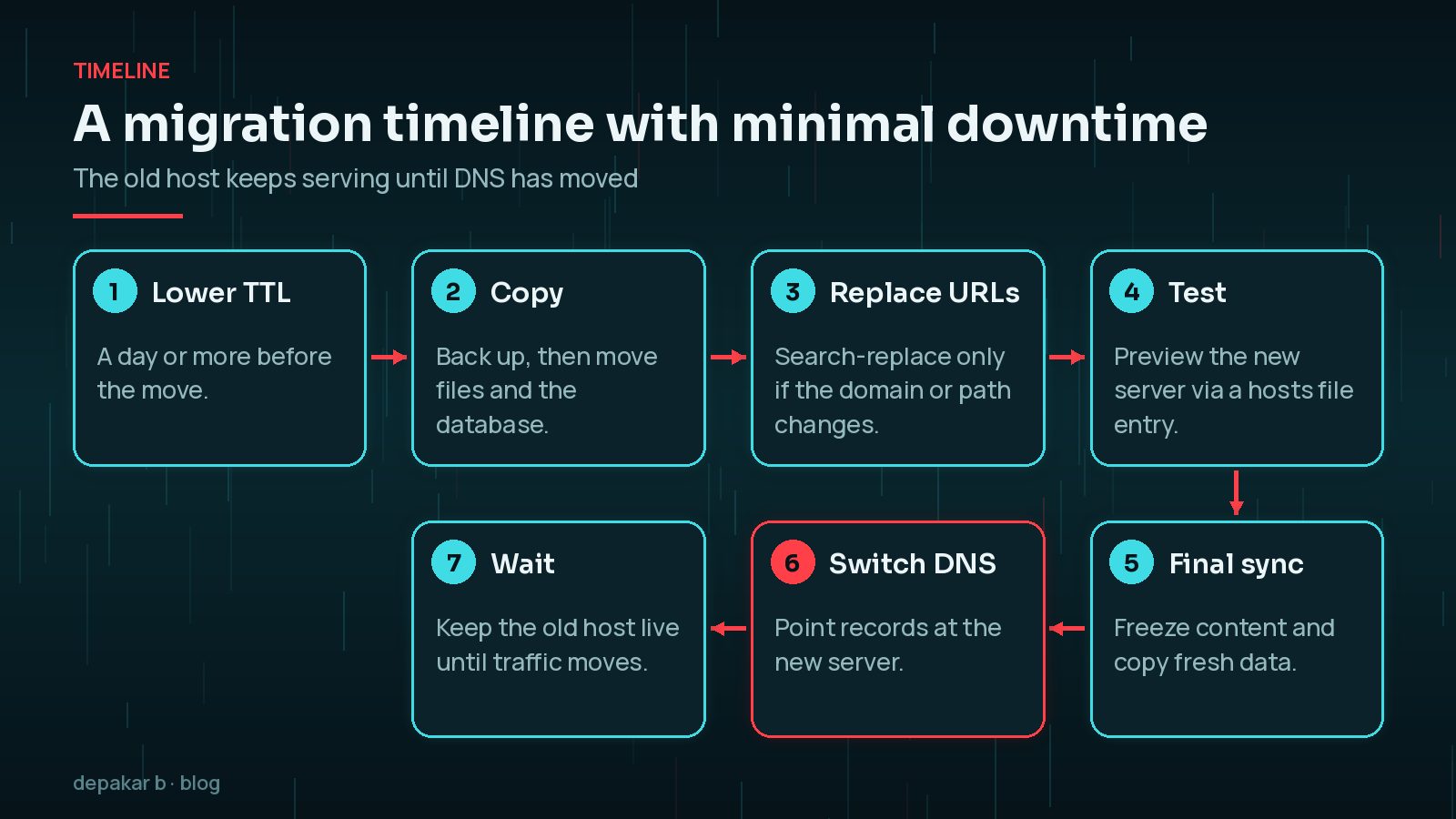
- Files: transfer them with SFTP, rsync over SSH or your host's migration tool.
- Database: export it, import it on the new server, then update the database name, user, password and host in
wp-config.php. - URLs: if the domain stays the same, you do not need to change URLs. If it changes, use WP-CLI's
search-replacecommand, which handles PHP serialised data, and run it with--dry-runfirst.
wp search-replace 'https://old.example' 'https://new.example' --dry-runNever use a plain text find-and-replace on a WordPress database dump. Serialised data stores string lengths, and changing the text without updating the lengths can break settings and widgets. The WordPress migration guide also says not to change the guid column.
Test on the New Server Before Switching DNS
This step is what makes a zero-downtime move possible. You can view the new server with your real domain before anyone else does.

- Add a line to your computer's
hostsfile that points your domain at the new server's IP address. Only your machine will see the new server. - Alternatively, use a temporary URL or preview feature from the new host.
- Check key pages, logins, forms, search, checkout and media.
- Watch the PHP error log and compare page speed with the old host.
Test as a logged-out visitor as well as an administrator, on a phone as well as a desktop. Make a short list of the journeys that earn you money or enquiries, and run through each one. It is much easier to fix a missing PHP extension or a broken form now, while nobody else can see the new server, than after the switch.
Remove the hosts file entry when you have finished, or you will keep seeing the new server after the switch and miss problems others see.
Switch DNS with Minimal Downtime
For busy sites, especially shops, freeze changes on the old site shortly before the switch. Pause new orders or comments if you can, or plan a final database sync immediately before DNS changes.

- Run the final sync of the database and any new uploads.
- Update the A (and AAAA, if used) records, or change nameservers if the new host manages DNS.
- Keep the old host running. Some visitors will reach it until cached DNS records expire.
- Watch both servers' logs until traffic has clearly moved.
If a redesign is happening at the same time, plan the two separately. My guide to a website redesign without losing SEO covers the URL side.
Email, SSL and Cron After the Move
Most post-migration problems turn up in the same places.
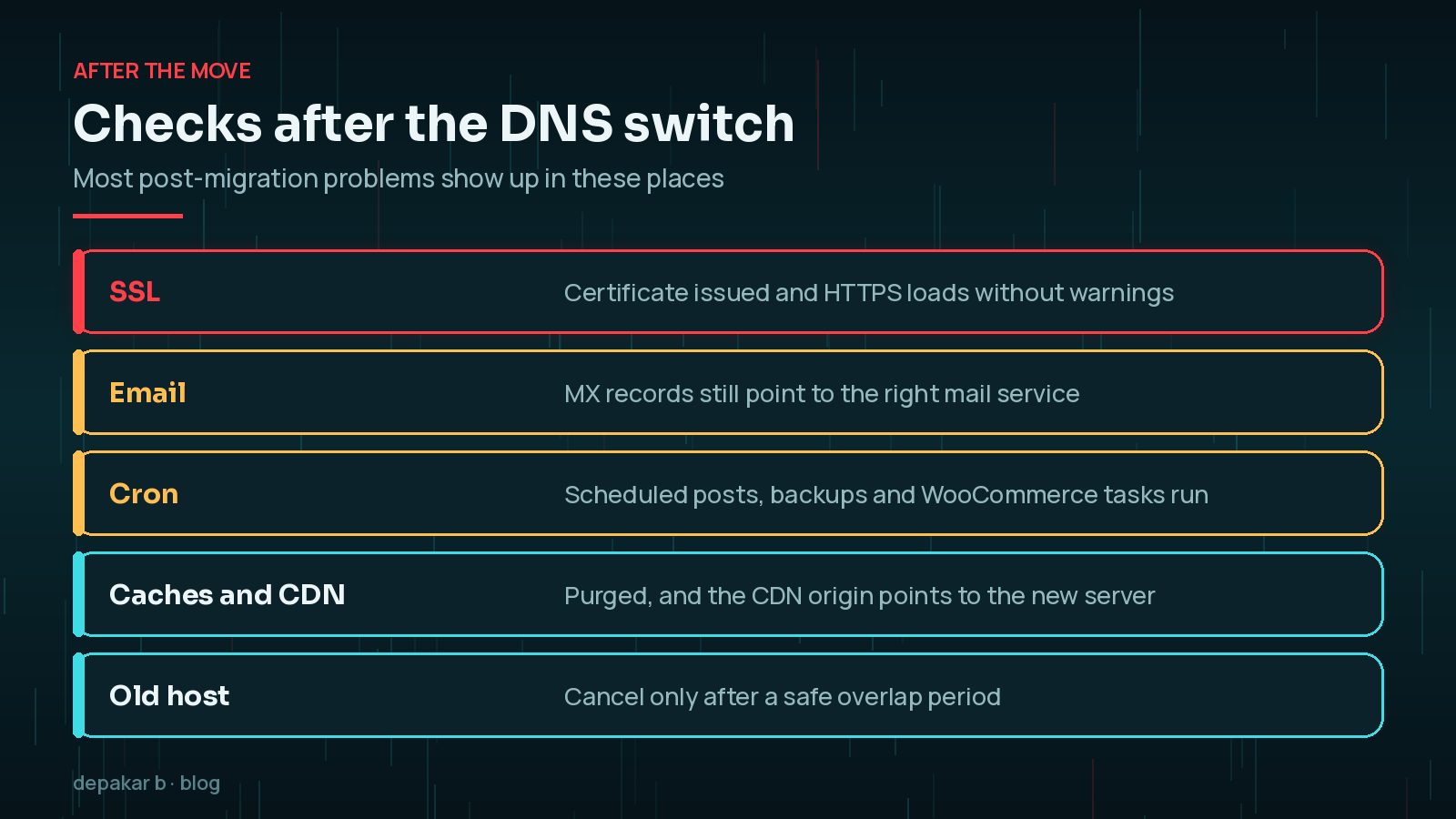
- SSL: confirm the new host has issued a certificate and HTTPS loads without warnings.
- Email: check MX records still point to your mail service, and that site emails such as order confirmations are delivered.
- Cron: scheduled posts, backups and shop tasks should run. If the old host used a real server cron job, set it up again.
- Caches and CDN: purge them, and point the CDN origin to the new server.
- Old host: cancel only after a safe overlap, once you have a final backup. If anything goes wrong, my guide to restoring WordPress from a backup will help.
Frequently Asked Questions
How long does it take to migrate WordPress to a new host?
It depends on the size of the site and how much testing it needs. Copying a small brochure site can be quick, while a large shop needs more time for testing and a final data sync. Allow extra time for DNS changes to reach every visitor.
Will moving hosts hurt my SEO?
Moving to a new host on the same domain does not change your URLs, so rankings should not be affected as long as the site stays available and behaves the same. Keep downtime and errors to a minimum and check Search Console afterwards.
Do I need to change URLs in the database when I move hosts?
Only if the domain or path is changing, for example from a staging address or to a new domain. If the domain stays the same, the database can be moved as it is. When you do change URLs, use a tool that handles serialised data, and leave the guid column alone.
What happens to my email when I change hosts?
If your email is hosted with your old web host, it may stop working when you cancel. Check your MX records before the move and decide where email will live. If you use a separate email service, keep those records exactly as they are when you change DNS.
Can my new host migrate the site for me?
Many hosts offer migration help or tools. It is still worth following the testing and post-move checks in this guide, because you know which forms, payments and integrations matter most.
Final Thoughts
To migrate WordPress to a new host without downtime, keep the old server live while you copy and test on the new one, lower the TTL in advance and switch DNS only when the new site works. Then check SSL, email, cron and caches before you cancel the old plan.
If you would rather have the move handled for you, possibly alongside a refresh of the site, my website revamp service includes careful migrations.
Official References
Sources checked on 29 October 2026: