
Ask three developers what a custom plugin costs and you may get three very different answers. That isn't always a sign that someone is overcharging. Custom WordPress plugin development cost depends on scope, integrations, quality standards and who maintains the code afterwards, and quotes vary because developers make different assumptions about each.
This guide doesn't give you a price list, because any figure without your requirements would be guesswork. Instead it explains the factors that drive the cost, so you can compare quotes properly and brief a developer well.
Why Custom WordPress Plugin Development Cost Varies So Much
A plugin quote is an estimate of time and risk. Two quotes for "a booking plugin" can describe completely different products:
- One assumes a single form and an email notification. The other assumes calendars, payments, cancellations and staff accounts.
- One includes testing, documentation and handover. The other doesn't mention them.
- One includes a period of support after launch. The other ends at delivery.
- One developer has built something similar before. The other is starting fresh.
The best way to compare quotes is to ask each developer what they've assumed, and what's excluded.
If you're not sure you need a custom plugin at all, start with when you need a custom WordPress plugin. For small tweaks, a custom plugin vs functions.php explains a lighter option.
Scope: Features, Screens and Integrations
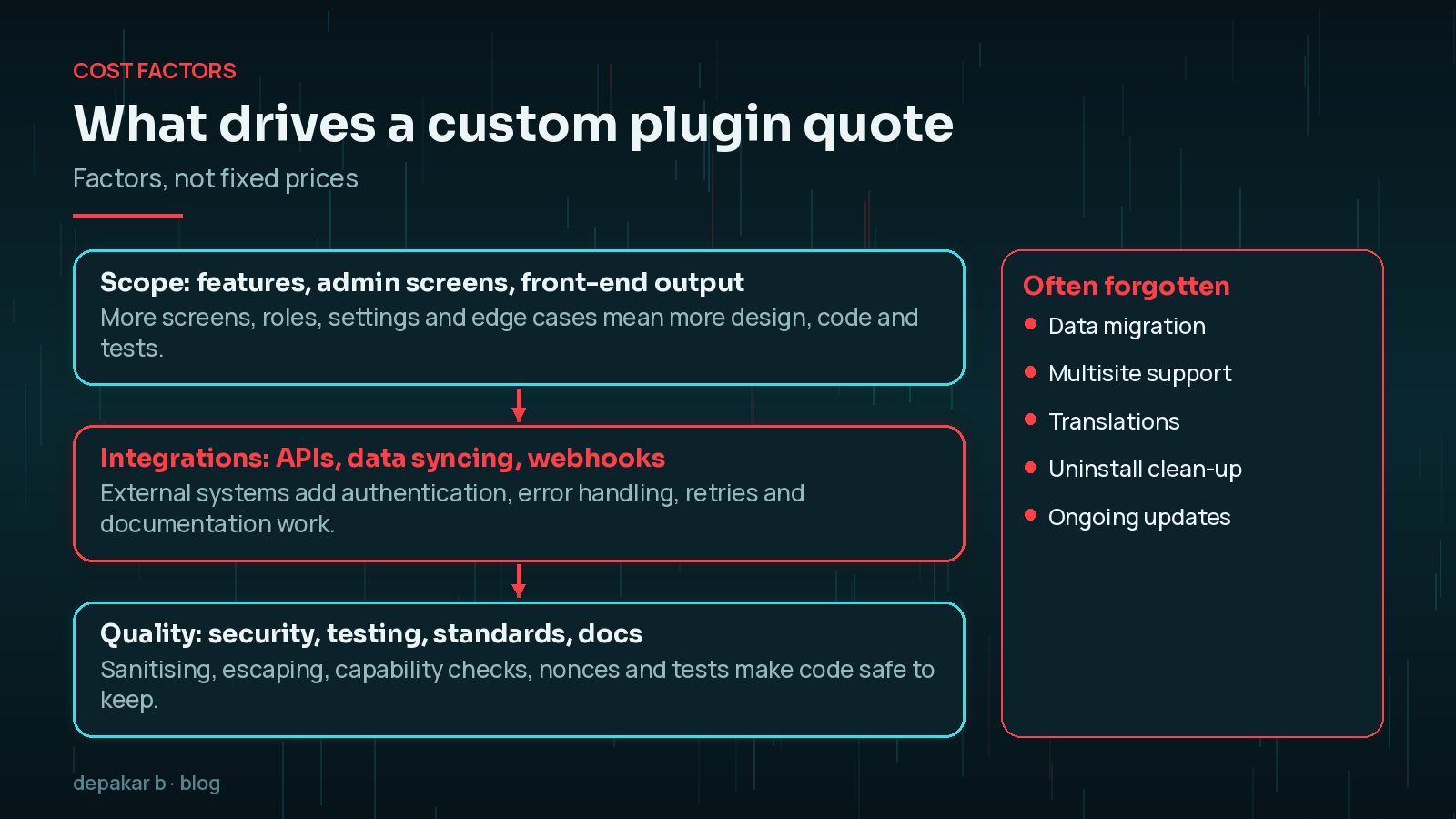
Scope is usually the largest factor. The more of these a plugin has, the more design, code and testing it needs:
- Admin screens and settings. Each settings page, list table or editor panel takes time to build and make usable.
- Front-end output. Forms, shortcodes, blocks and templates, each needing to work with your theme.
- User roles and permissions. Who can see and do what. More roles mean more checks and more testing.
- Data. Whether it stores data in custom post types, custom tables or options, and how much.
- Edge cases. What happens when a payment fails, a form is submitted twice or a user is deleted.
- Often forgotten: importing existing data, multisite support, translation readiness and clean-up on uninstall.

Third-Party APIs and Data Syncing
Connecting WordPress to another system, such as a CRM, booking platform, ERP or payment provider, is often where effort and risk rise most. Integration work involves:
- Authentication: API keys, OAuth flows and storing credentials safely.
- Direction of sync: one-way pushes are simpler than two-way syncing that must resolve conflicts.
- Timing: real-time webhooks, scheduled jobs or manual imports.
- Failure handling: retries, logging and alerts when the other system is down or rate-limits you.
- Documentation quality: a well-documented API with a test environment is quicker to work with than one without.
It also helps to know who owns the other system's account and settings. Integration projects often stall waiting for API access, test credentials or answers from another supplier, and that waiting time can affect both the timeline and the quote. Sorting out access before work starts is one of the simplest ways to keep an integration on budget.
My WordPress REST API integration guide covers these patterns in more depth.
Security, Testing and Code Standards
The WordPress Plugin Handbook sets out the basics a professional plugin should follow. Its security guidance covers checking user capabilities, validating and sanitising input, escaping output, and using nonces to protect against forged requests. Its best practices include prefixing names to avoid conflicts and a clear file structure.
Doing this properly takes time, but it is not optional. A cheaper quote that skips it can cost much more later in fixes or a security incident.
Ask what each quote includes:
- Code following the WordPress Coding Standards.
- Testing on a staging site, with your theme and main plugins.
- Automated tests for critical logic, where the project justifies them.
- Code in version control that you can access.
- Documentation for admins and for the next developer.
Make sure you own the code. Agree in writing who owns the plugin, where the code lives and how you'll get it. Without that, changing developers later can mean starting again.
Ongoing Maintenance and Compatibility Updates
A custom plugin isn't finished at launch. WordPress, PHP, your theme and connected services all change, and your plugin has to keep up. Budget for:
- Compatibility checks after major WordPress and PHP updates.
- Changes when a third-party API is updated or retired.
- Security fixes and small improvements.
- Support for your team when something isn't working.
Some developers include a support period, others offer a monthly retainer, and others charge as needed. None is wrong, but compare like with like. Also ask how quickly the developer responds if the plugin breaks, and whether urgent fixes are charged differently from planned work.

Custom vs Premium Plugin: Total Cost of Ownership
A premium plugin is usually cheaper upfront, but the first invoice isn't the whole picture.
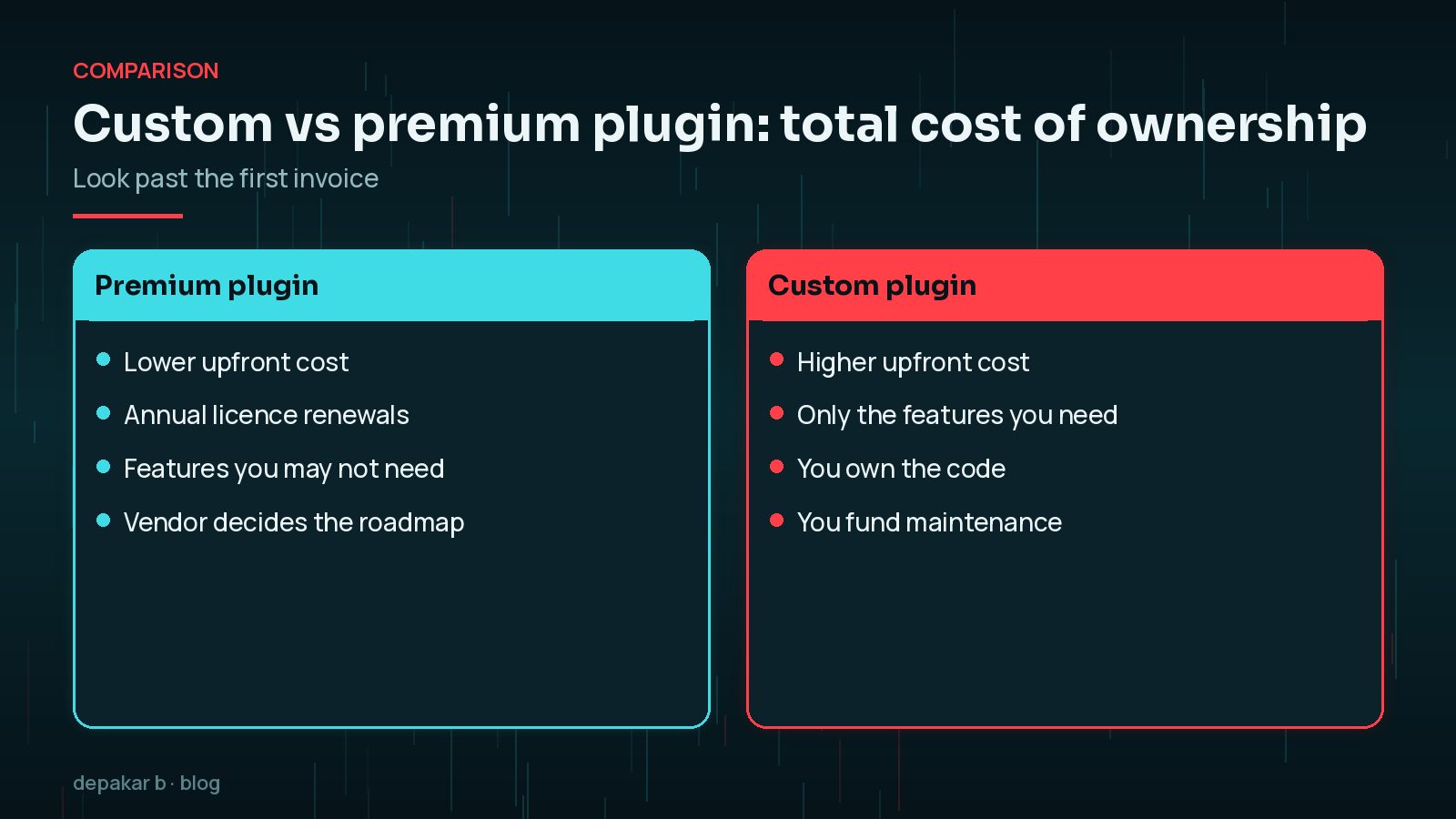
- Premium plugins spread development costs across many customers, but often carry annual licence renewals, features you don't need, and a roadmap you don't control. Customising them heavily can become fragile.
- Custom plugins cost more upfront and you fund the maintenance, but you get exactly what you need and own the code.
A common middle ground is a well-supported existing plugin plus a small custom add-on that uses its hooks. Ask your developer whether that would work before commissioning something from scratch.
How to Get an Accurate Plugin Quote
The clearer your brief, the more accurate and comparable your quotes will be.
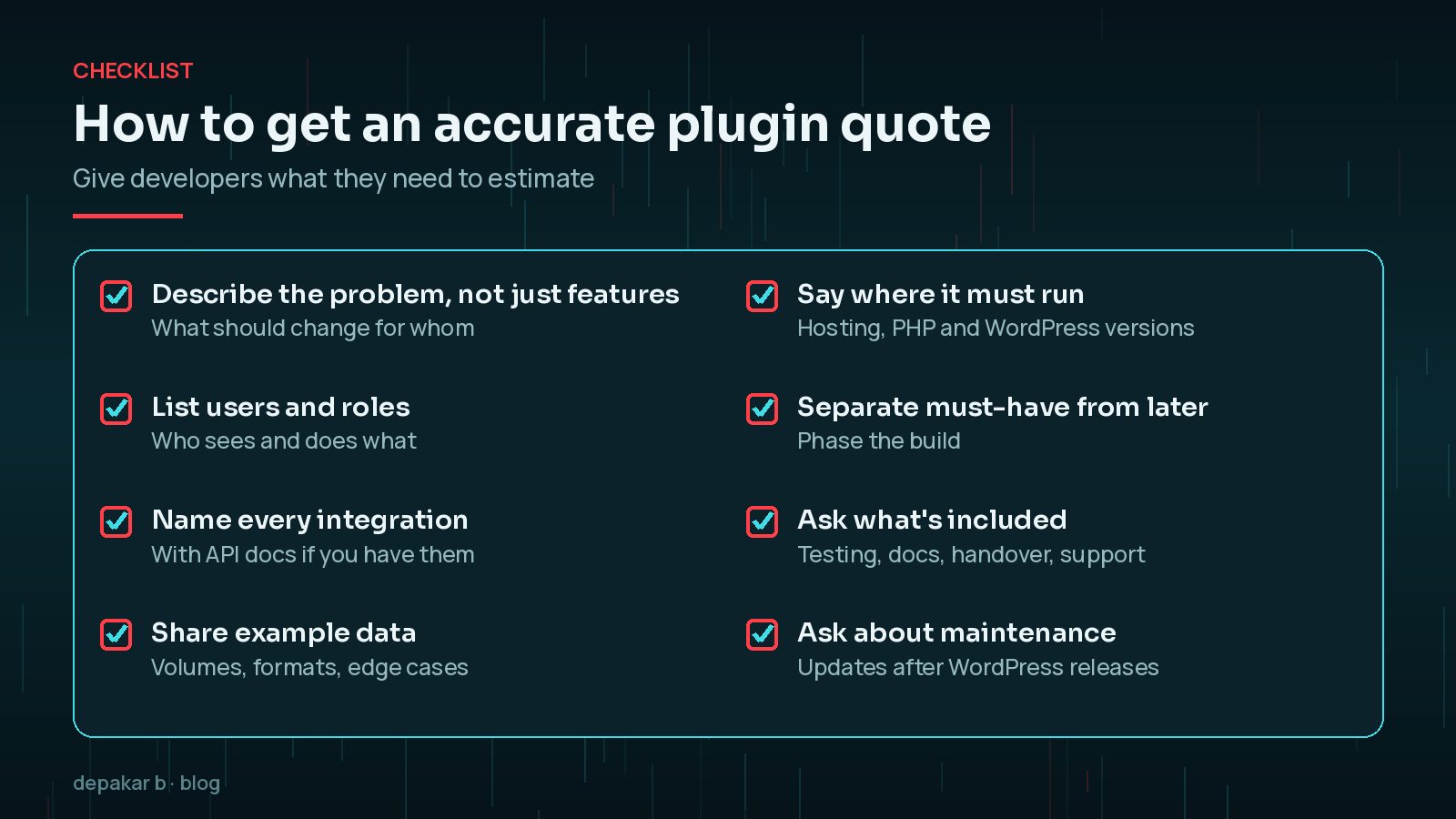
- Describe the problem, not only the features. What should change, and for whom?
- List users and roles and what each needs to do.
- Name every integration, with links to API documentation if you have them.
- Share example data: volumes, formats and awkward cases.
- Say where it must run: hosting, PHP and WordPress versions.
- Separate must-haves from later, so the build can be phased.
- Ask what's included: testing, documentation, handover and support.
- Ask about maintenance after WordPress releases.
For choosing who to hire, see my checklist for hiring a WordPress developer.
Frequently Asked Questions
How much does a custom WordPress plugin cost?
It depends on scope, integrations, quality standards and maintenance. A small, single-purpose plugin and a plugin syncing with a CRM are very different projects, so ask for a quote based on a clear brief.
Why are custom plugin quotes so different?
Developers make different assumptions about features, edge cases, testing, documentation and support. Ask each one what is included and excluded so you can compare like with like.
Is a custom plugin cheaper than a premium plugin?
Usually not upfront. Over several years, licence renewals, unused features and workarounds can narrow the gap. Compare total cost of ownership for your needs.
Do custom plugins need maintenance?
Yes. WordPress, PHP and connected services change, so a custom plugin needs compatibility checks, fixes and occasional updates after launch.
Who owns the code for a custom plugin?
Whoever your contract says. Agree in writing that you own it and will receive the code, ideally in a version control repository you can access.
Final Thoughts
Custom WordPress plugin development cost comes down to scope, integrations, quality and long-term care. A clear brief and specific questions about what is included will tell you more about a quote than the headline figure.
If you'd like a scoped estimate for your plugin, my custom plugin development service starts with understanding the problem.
Define the problem, name the integrations, and ask what happens after launch.
Official References
Sources checked on 29 October 2026: